Brand guidelines
Socials
Every account Intertwine Partners keeps as the parent company: the TW mark in Mint on Evergreen for the profile image, and covers in Evergreen with a fine grain, the twine strands and the lockup in Mint. Each file is the network's own recommended size, drawn by scripts/brand/social.mjs, so a change to the brand redraws the set.
01 · Networks
Where we are, and why.
Fewer accounts, kept well. LinkedIn leads, for investors, partners, founders and talent, and for news from the three subsidiaries; the rest either carry a clear kind of post or simply hold the name. Handles are not yet set; each card shows its handle and link once the account is claimed.
Handle not yet set
The main channel. Investors, partners, founders and talent look here first; every announcement from the parent company and its three subsidiaries goes here.
X
ListedHandle not yet set
Short notes on news from Associates, Bio and Digital, investor updates and posts from the blog, in the company’s plain voice.
Handle not yet set
The people and places behind the portfolio: the teams at work, events and open roles, with stories and highlights.
Google Business Profile
ListedHandle not yet set
How people find a Mt Pleasant company on Search and Maps. The address, site and photographs.
YouTube
Name heldHandle not yet set
Held for films and recorded talks from across the companies.
Handle not yet set
Held so no one else takes the name. Kept current, never a channel of its own.
02 · Profile
The mark alone, and the same words everywhere.
Every network crops the profile image to a circle; the TW mark, set by its width, sits inside it with room to spare. Mint on Evergreen is the default on every account. The words below are the site's own, cut to each network's limit.

Profile image, Evergreen
1080 × 1080 · Every network. The default: the mark in Mint on Evergreen.

Profile image, Mint
1080 × 1080 · Where a network’s own screen is dark and Evergreen would sink into it.
Profile image, Paper
1080 × 1080 · Directories and listings that sit on white.
LinkedIn tagline
92 of 120 characters
Where ideas converge, innovations emerge. Consulting, digital innovation, and biotechnology.
X bio
143 of 160 characters
Where ideas converge, innovations emerge. Intertwine unites consulting, digital innovation, and biotechnology to empower clients and investors.
Instagram bio
118 of 150 characters
Where ideas converge, innovations emerge Consulting, digital innovation, and biotechnology Mt Pleasant, South Carolina
About (LinkedIn, Facebook, YouTube, Google)
900 of 2000 characters
Where ideas converge, innovations emerge. Intertwine unites consulting, digital innovation, and biotechnology to empower clients and investors with strategies that deliver sustainable growth and measurable impact. Intertwine backs 3 independently operated companies that innovate across consulting, biotechnology, digital, and adjacent markets, empowering clients and stakeholders with strategies and products that lead to real-world outcomes. Our obsession with operational excellence drives us to build durable businesses focused on efficient growth, customer-desired outcomes, and market potential toward a common thread: exquisite talent and beyond imaginable innovation. Three independently operated companies: Intertwine Associates for strategic consulting, Intertwine Bio for commercialization, and Intertwine Digital for scientific software solutions. Based in Mt Pleasant, South Carolina.
Website
30 of 100 characters
https://intertwinepartners.com
Location
27 of 30 characters
Mt Pleasant, South Carolina
03 · Covers
One banner, cut for each network.
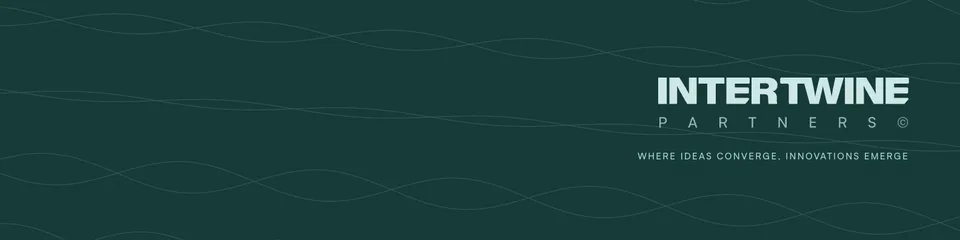
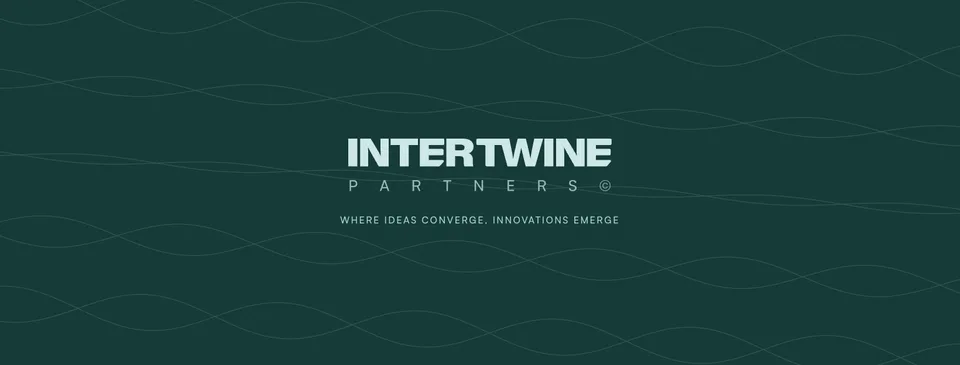
Evergreen (#153936) with an even grain, the twine strands and the whole lockup in Mint. Evergreen stays the default on every account; the other grounds under Color options are for a season or a campaign, never a mix on one profile. Each file keeps the lockup inside the part that network never crops and clear of where its profile image overlaps.

LinkedIn page cover
2256 × 382 · 1128 by 191. The logo covers the lower left; the lockup sits right.
LinkedIn profile banner
1584 × 396 · 1584 by 396, for the team’s own profiles. The photo covers the left third.

X header
1500 × 500 · 1500 by 500. Phones trim the top and bottom; the avatar covers the lower left.
Facebook cover
1640 × 624 · 1640 by 624. Phones keep only the middle.
YouTube banner
2560 × 1440 · 2560 by 1440. Only the middle 1546 by 423 shows everywhere.
Google Business Profile cover
1080 × 608 · 16:9. Search and Maps crop the edges.
04 · Color options
Six grounds, each with its own lockup.
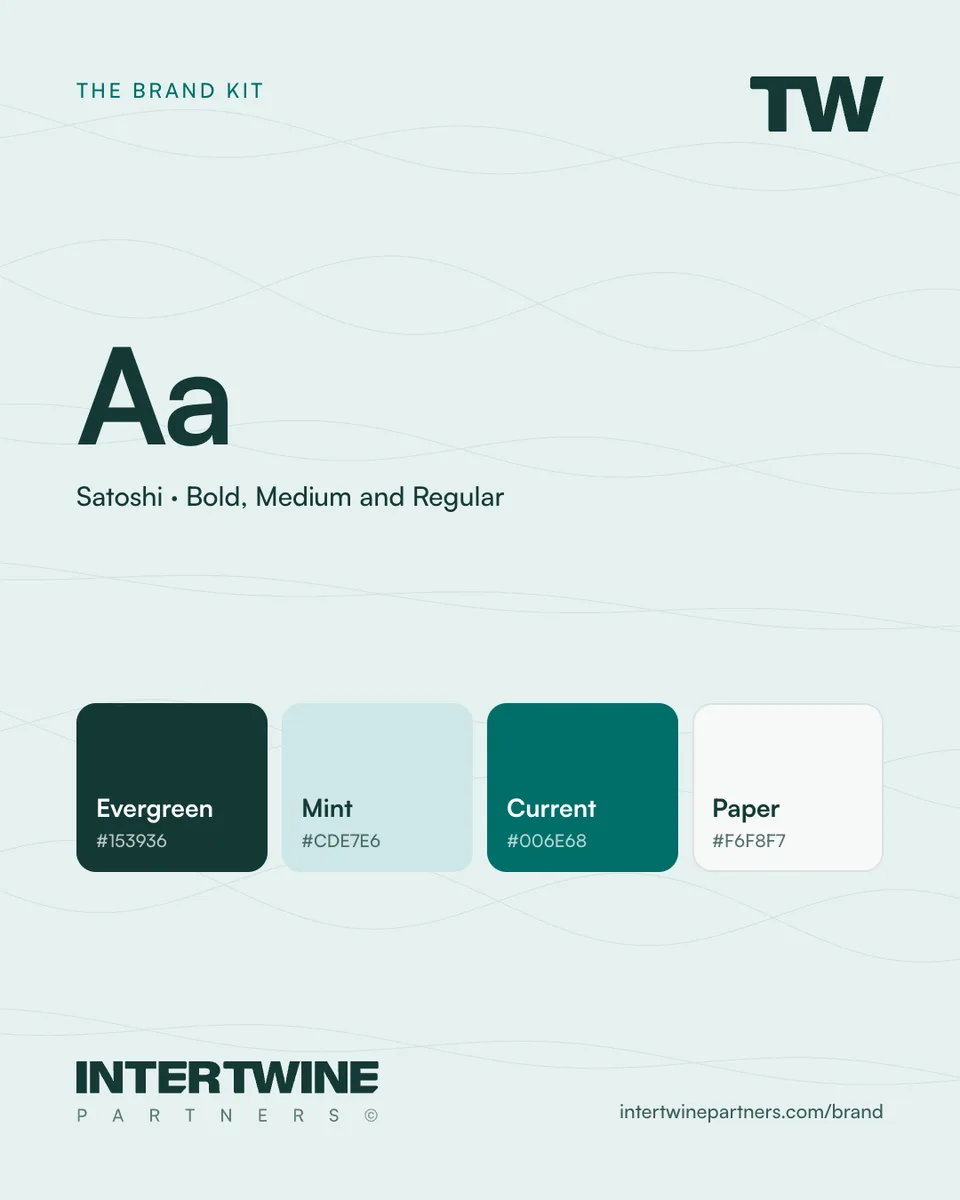
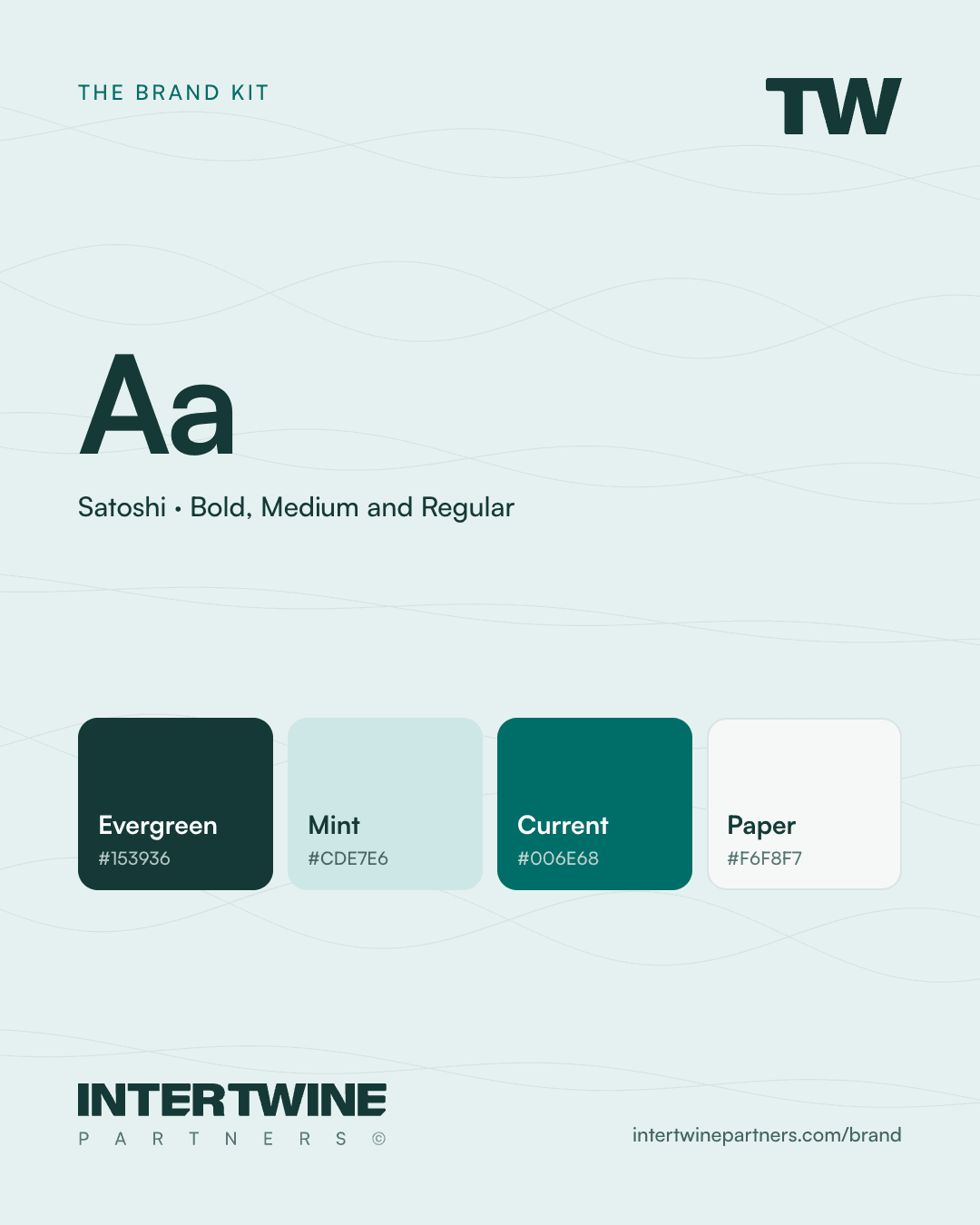
Evergreen with grain is the default. The others are brand colors set for social use, each with the lockup and word colors that read on it: white on the dark grounds, Evergreen on the light ones. Every word clears 4.5:1 on its ground; Current is taken a step deeper here so that white words do.
Evergreen
#153936
Mint lockup on covers, white on posts
Deep
#0F2B29
Mint lockup on covers, white on posts
Mint
#CDE7E6
Evergreen lockup
Current
#006E68
White lockup
Paper
#F6F8F7
Evergreen lockup
Foam
#E5F1F0
Evergreen lockup










05 · Posts
Three shapes, one layout.
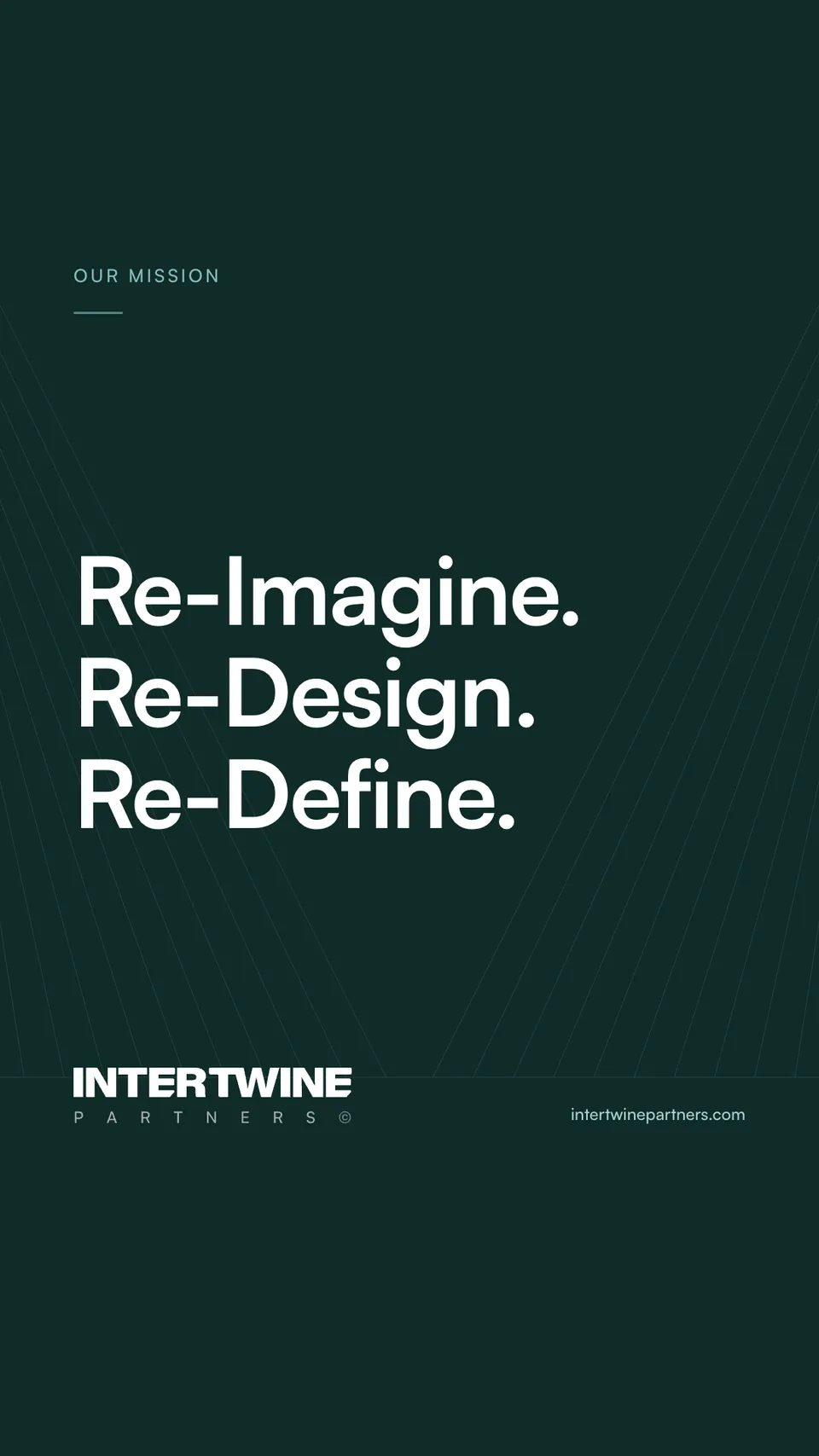
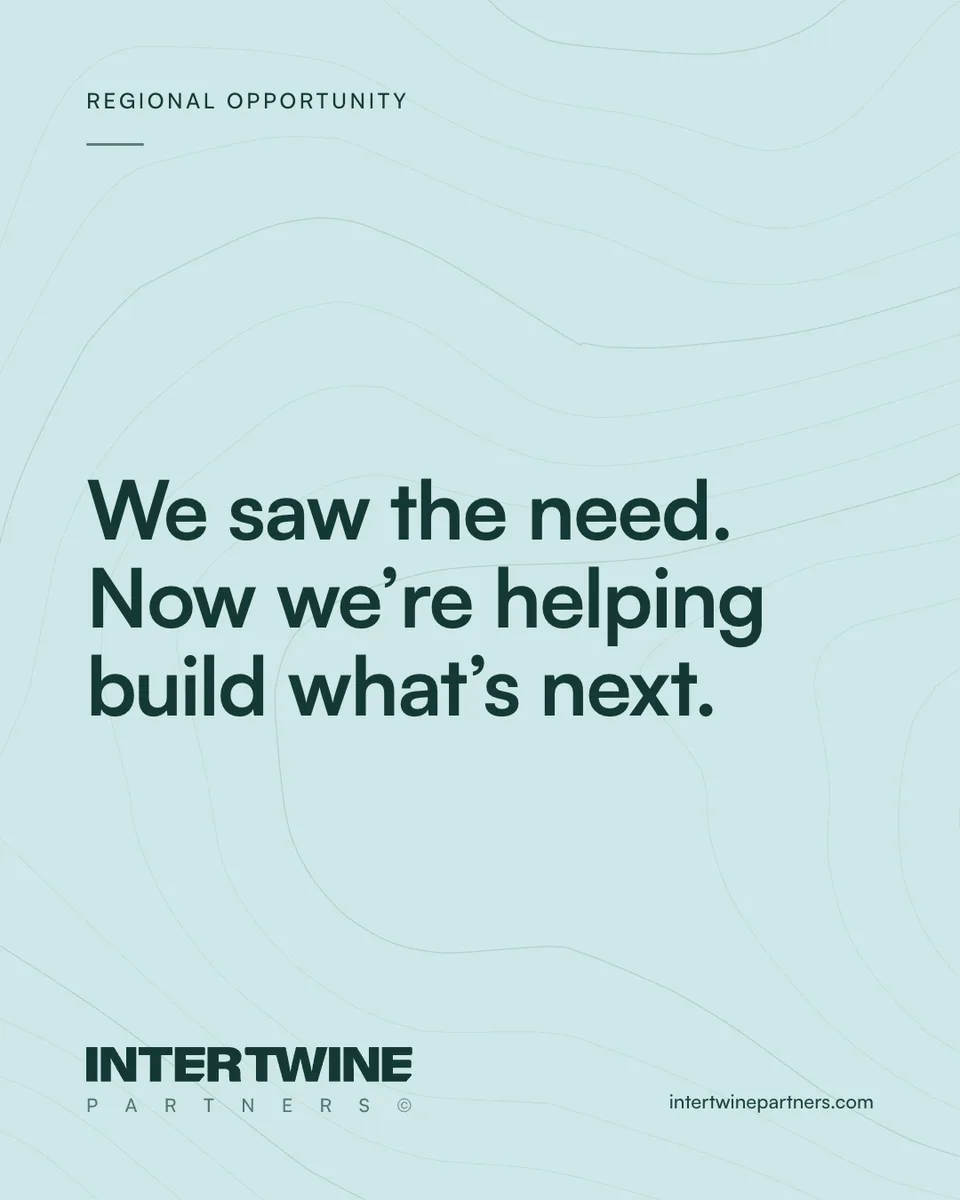
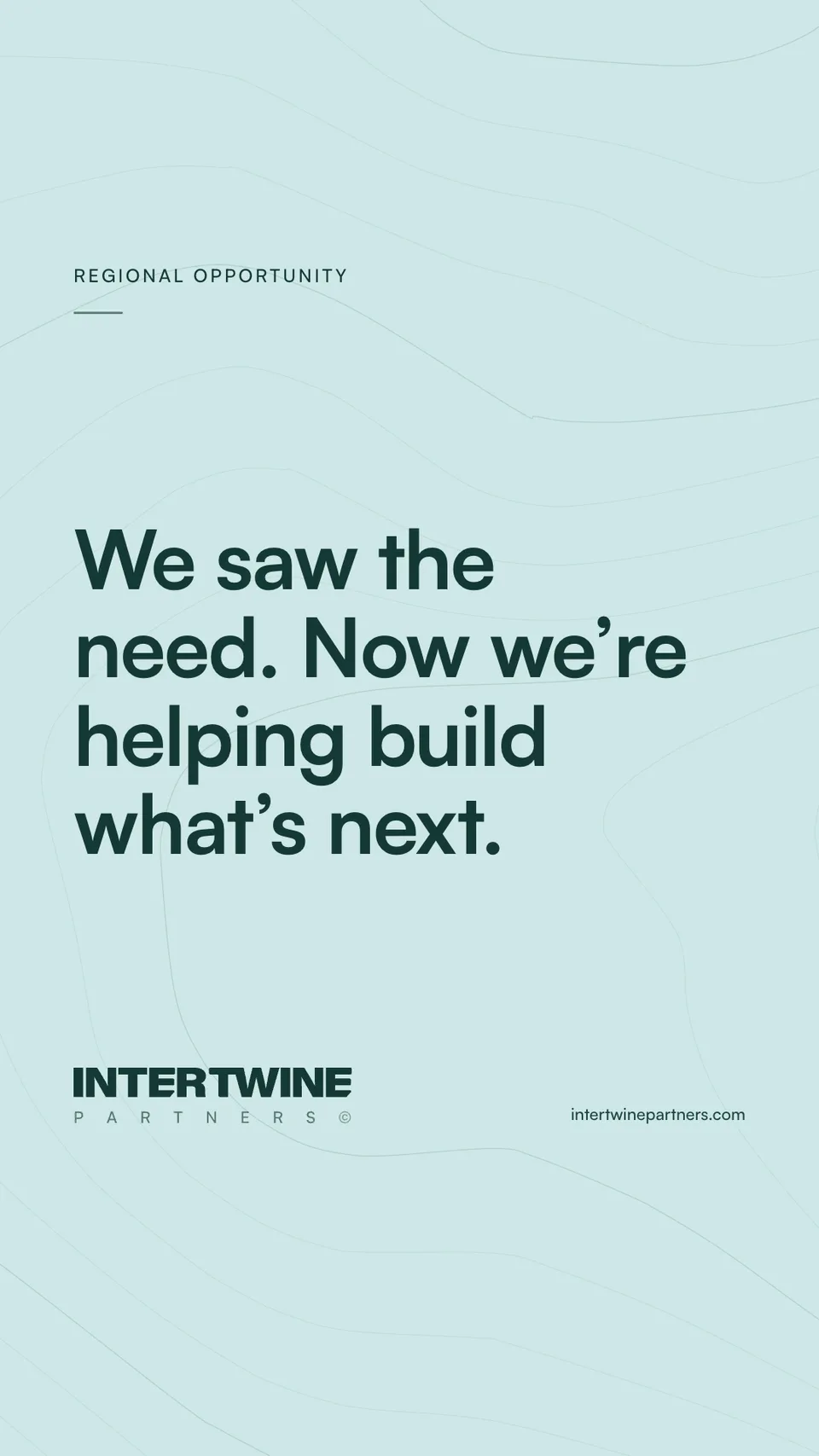
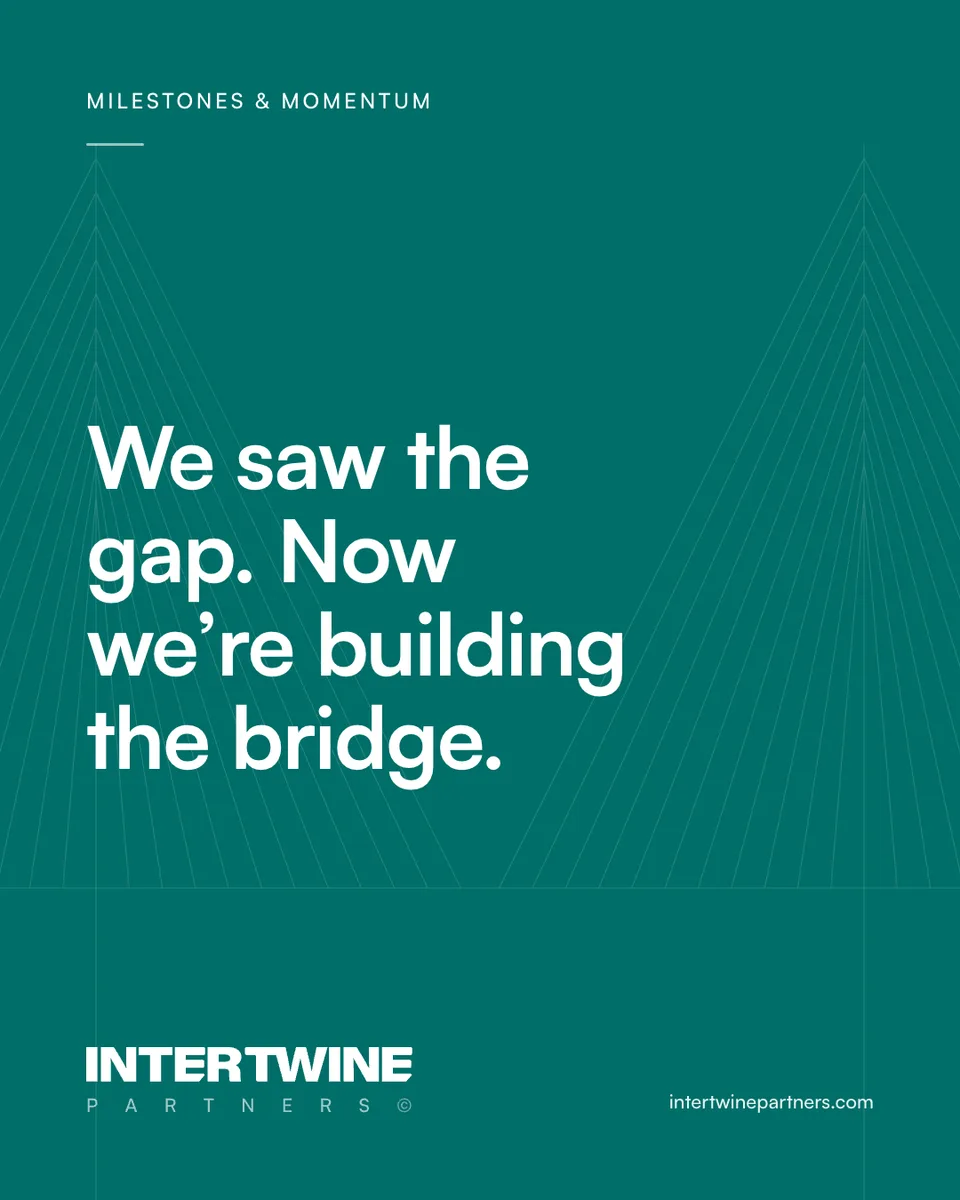
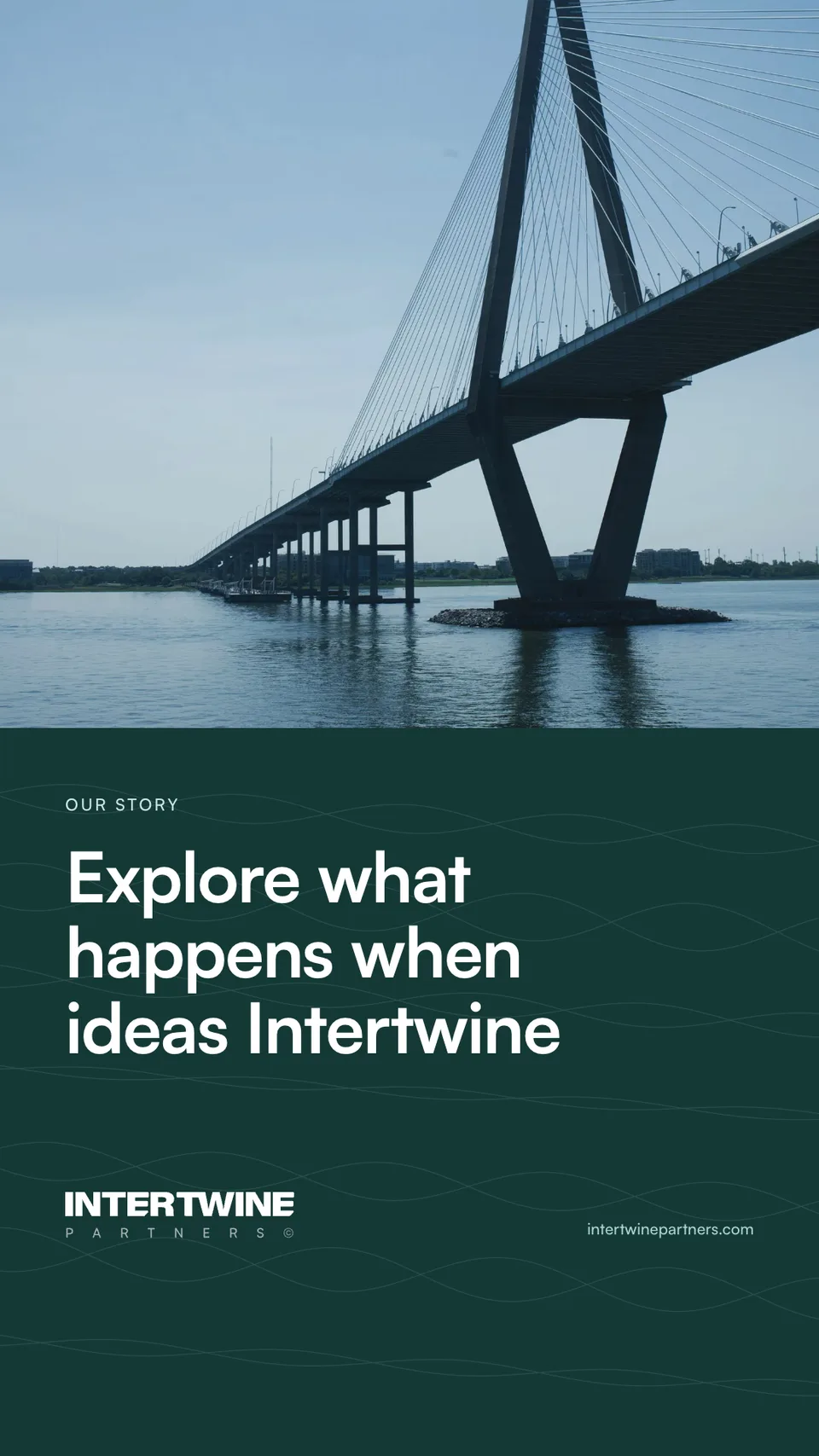
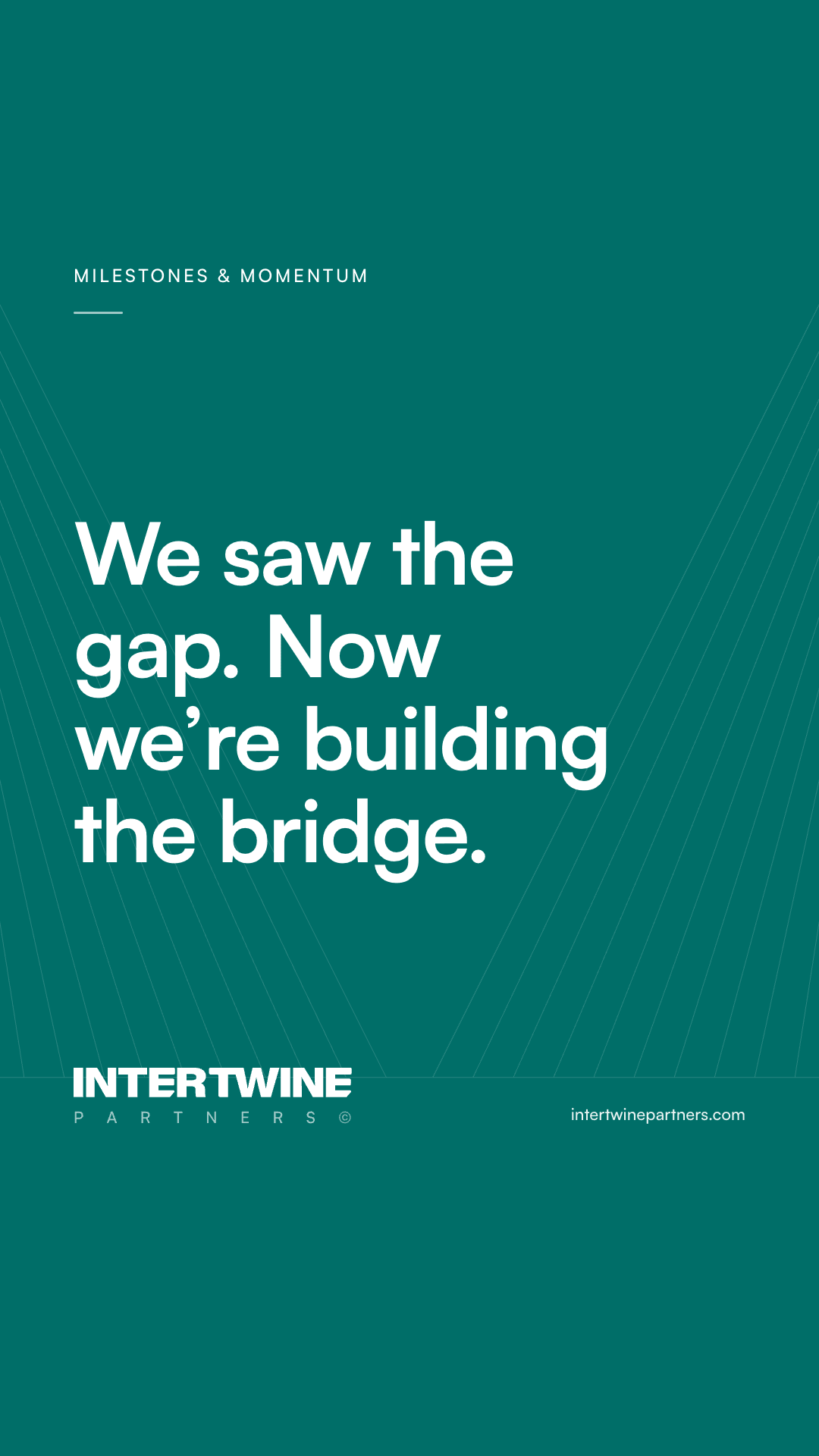
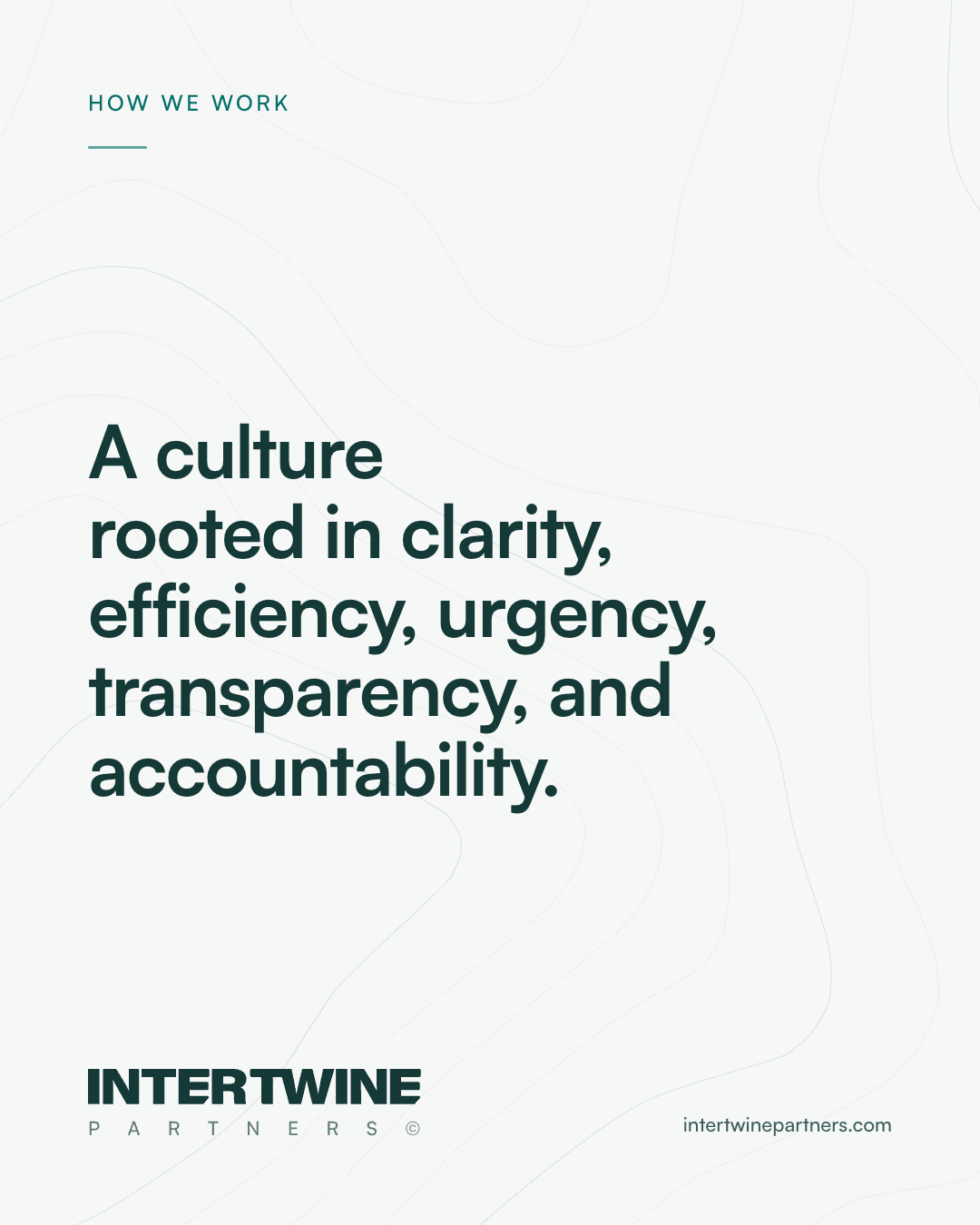
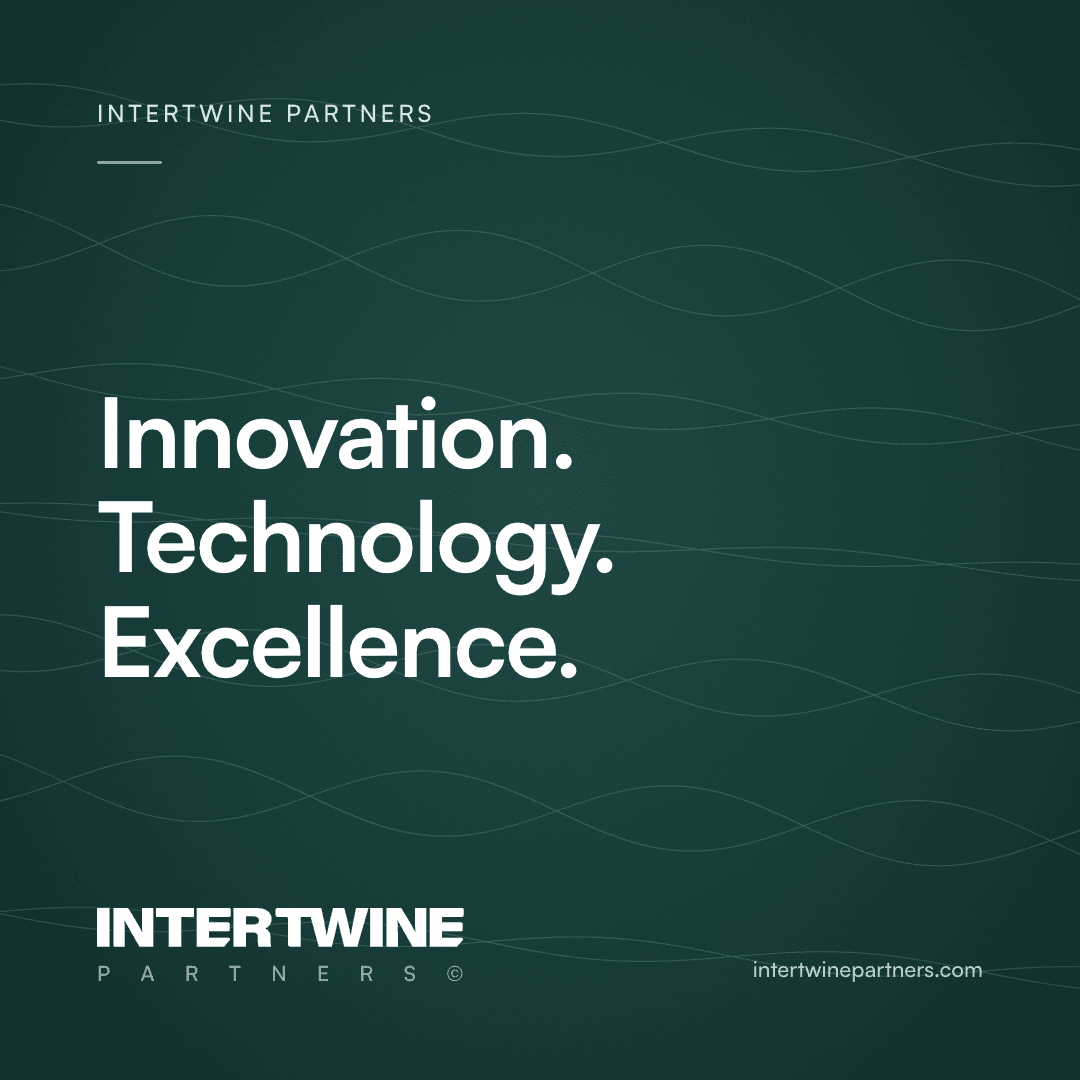
An eyebrow in small capitals, one line in Satoshi Bold, the lockup and the address at the foot. Portrait 4:5 is the default for LinkedIn and Instagram. Words go on a solid panel, never on a photograph.
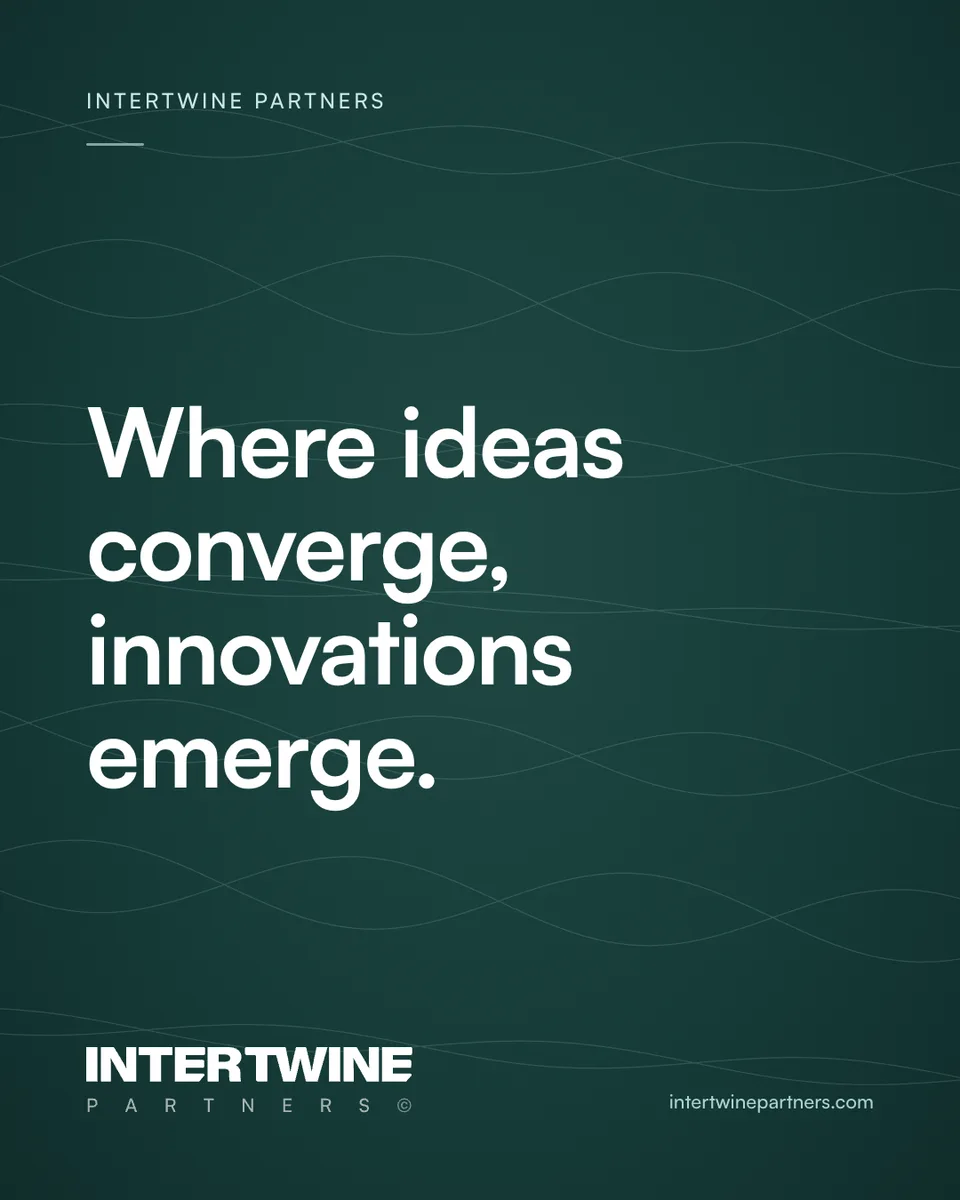
Statement, Evergreen
1080 × 1350 · 4:5 portrait, the shape that fills the most of a feed on LinkedIn and Instagram.
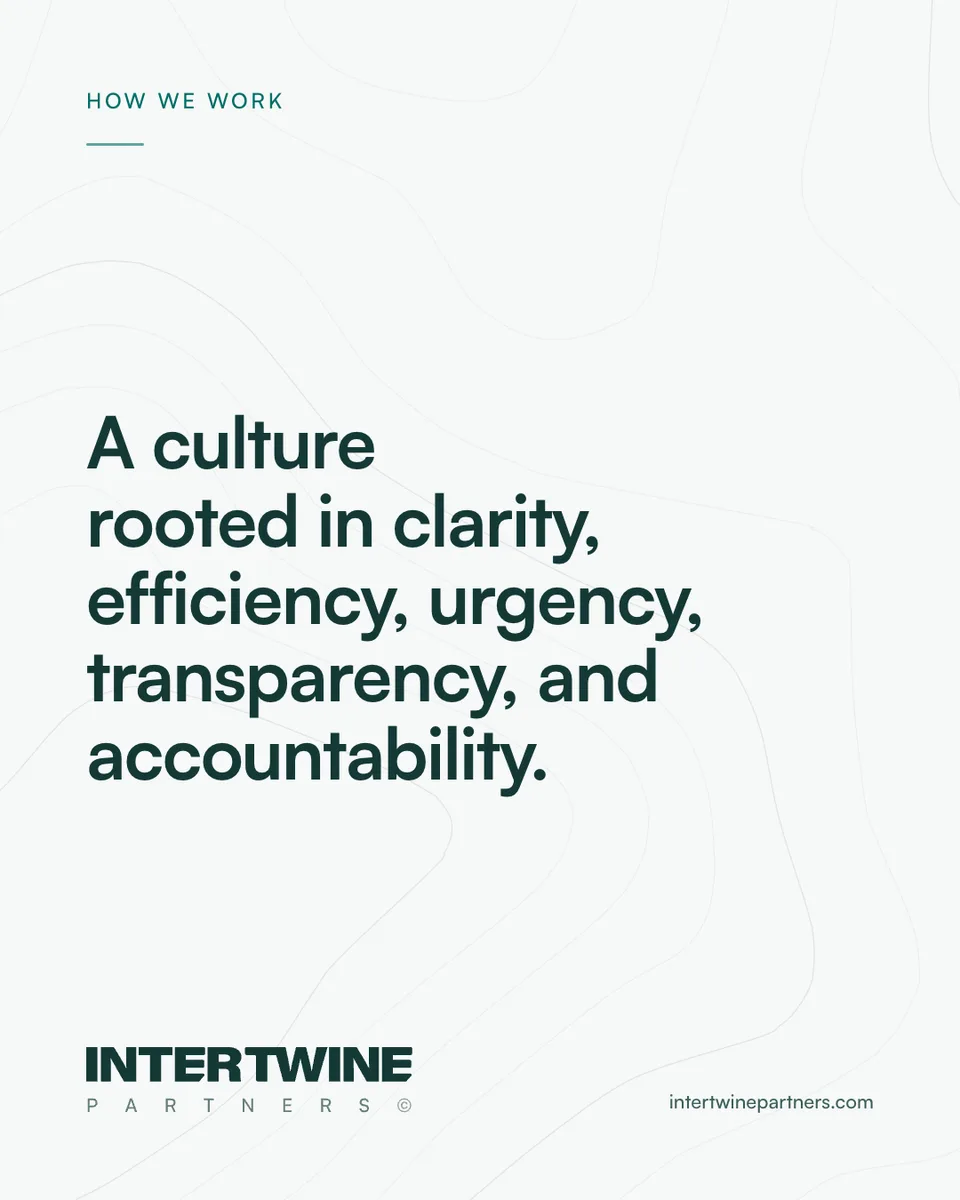
Statement, Paper
1080 × 1350 · 4:5 portrait. For quieter notes.
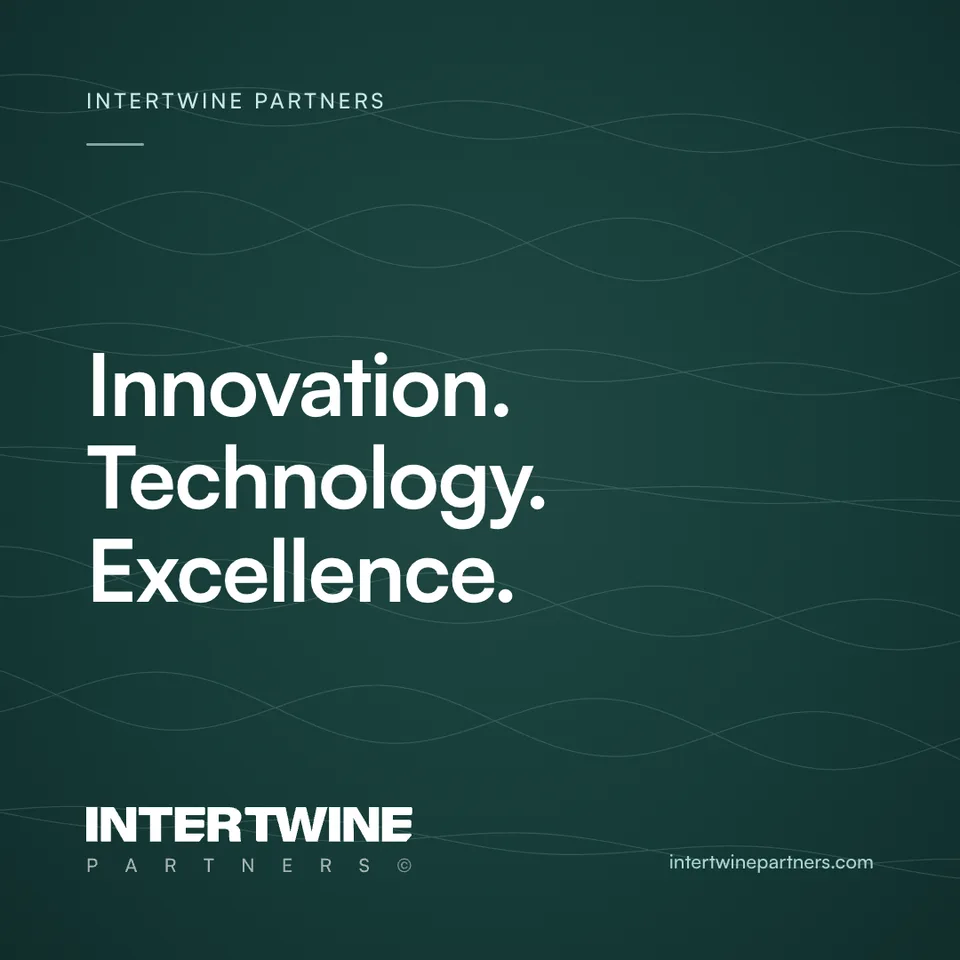
Statement, square
1080 × 1080 · 1:1, for X and carousels.
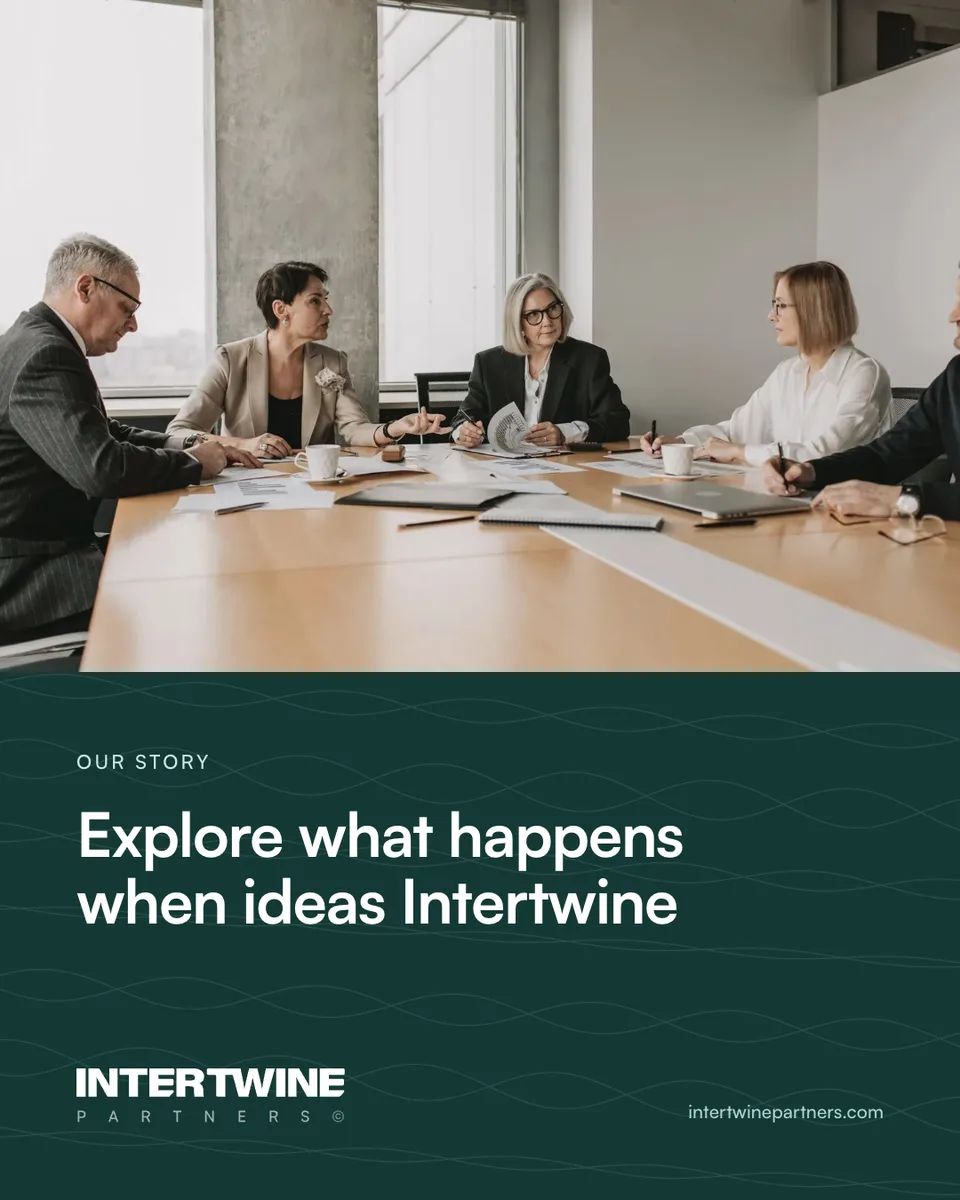
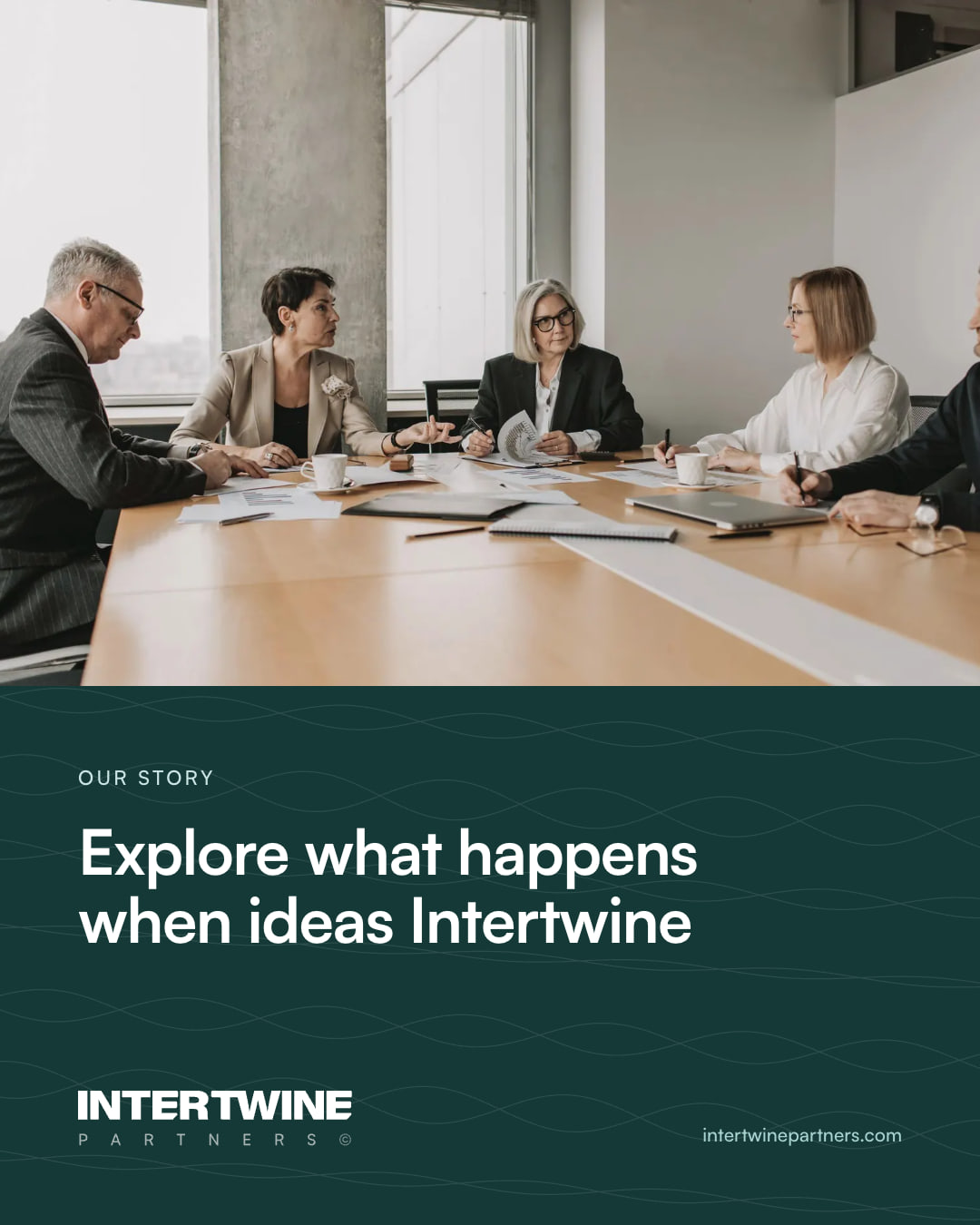
Photograph and panel
1080 × 1350 · 4:5. A library photograph above, the words on Evergreen below.
Landscape
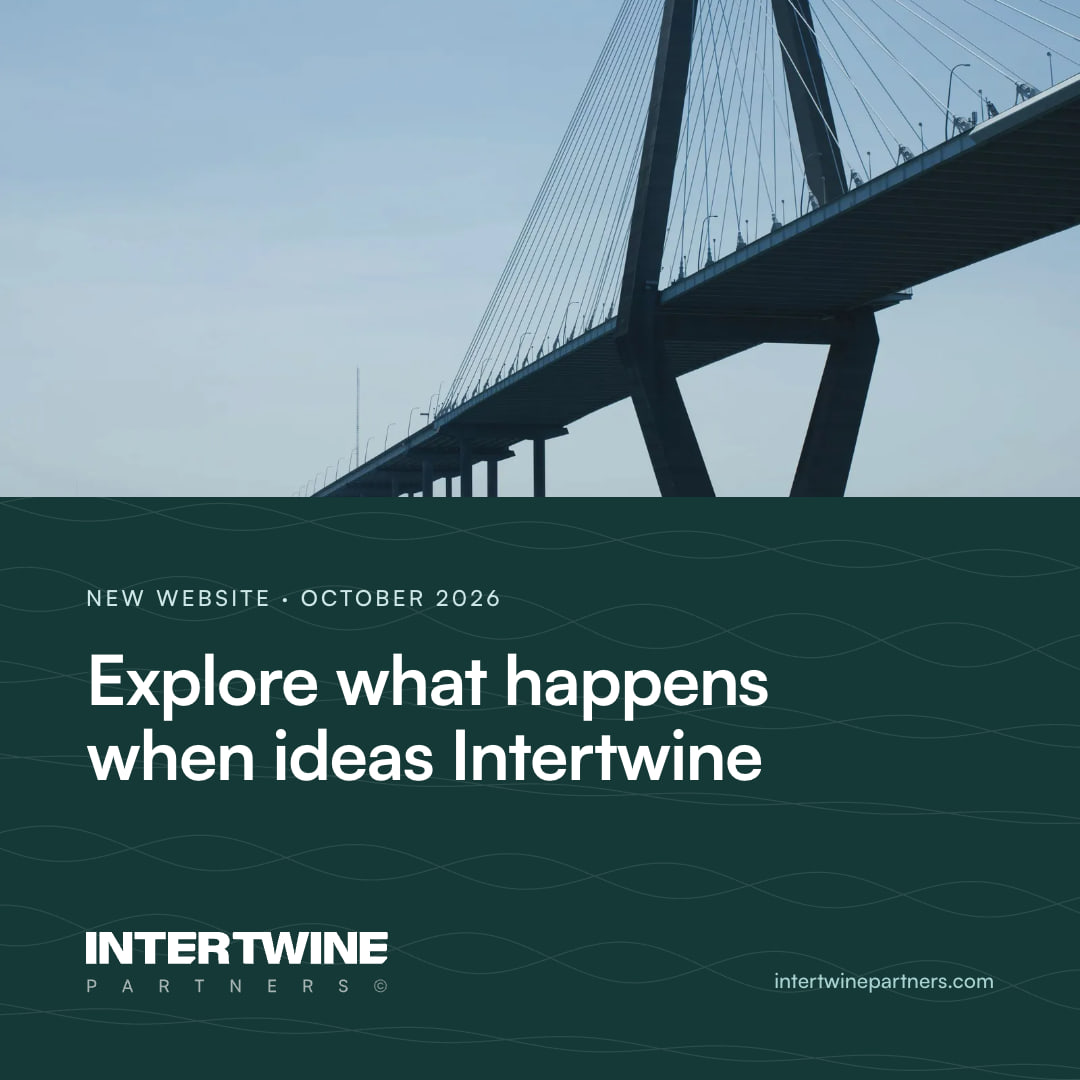
1200 × 627 · 1.91:1, the link-preview shape on LinkedIn and X.
06 · Carousels
One point to a slide.
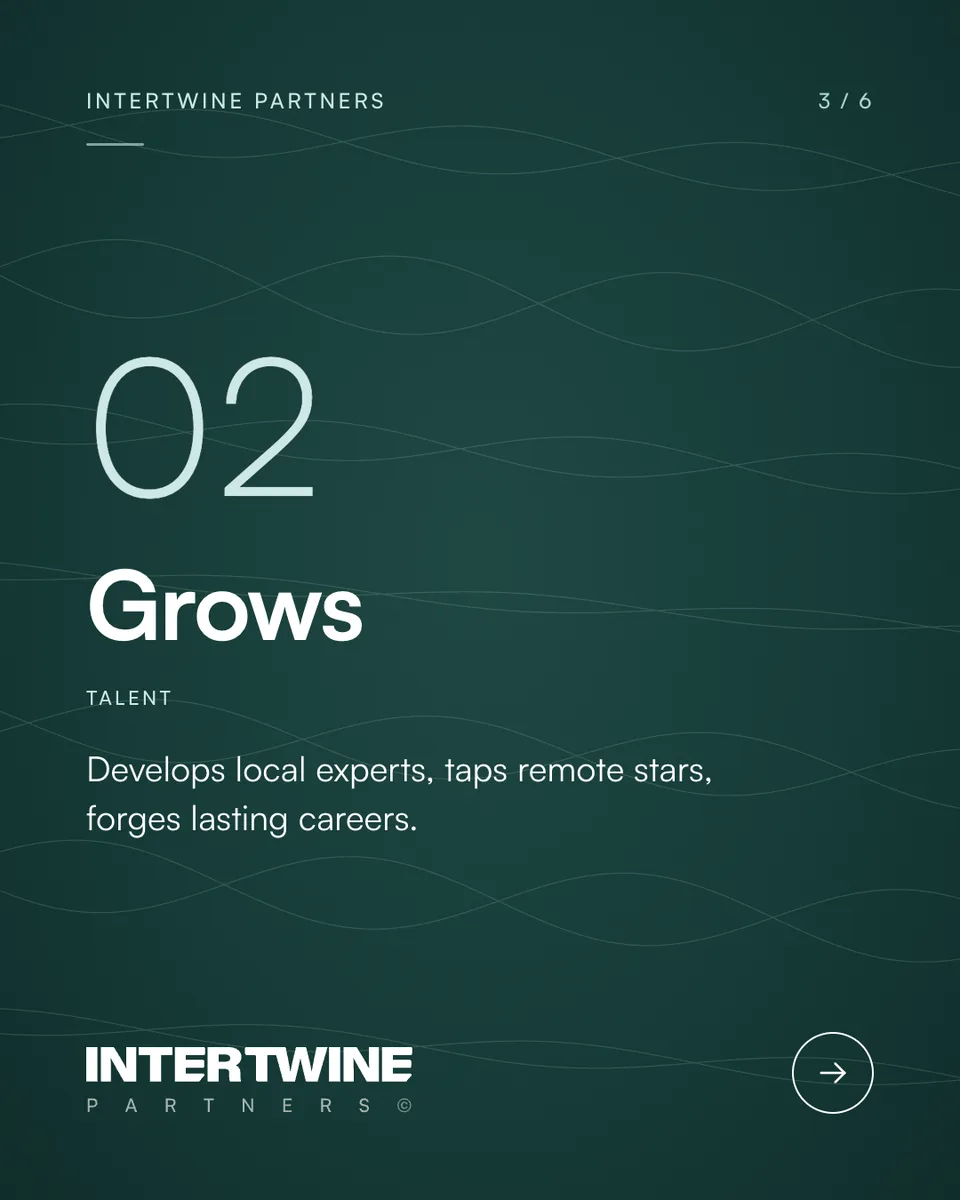
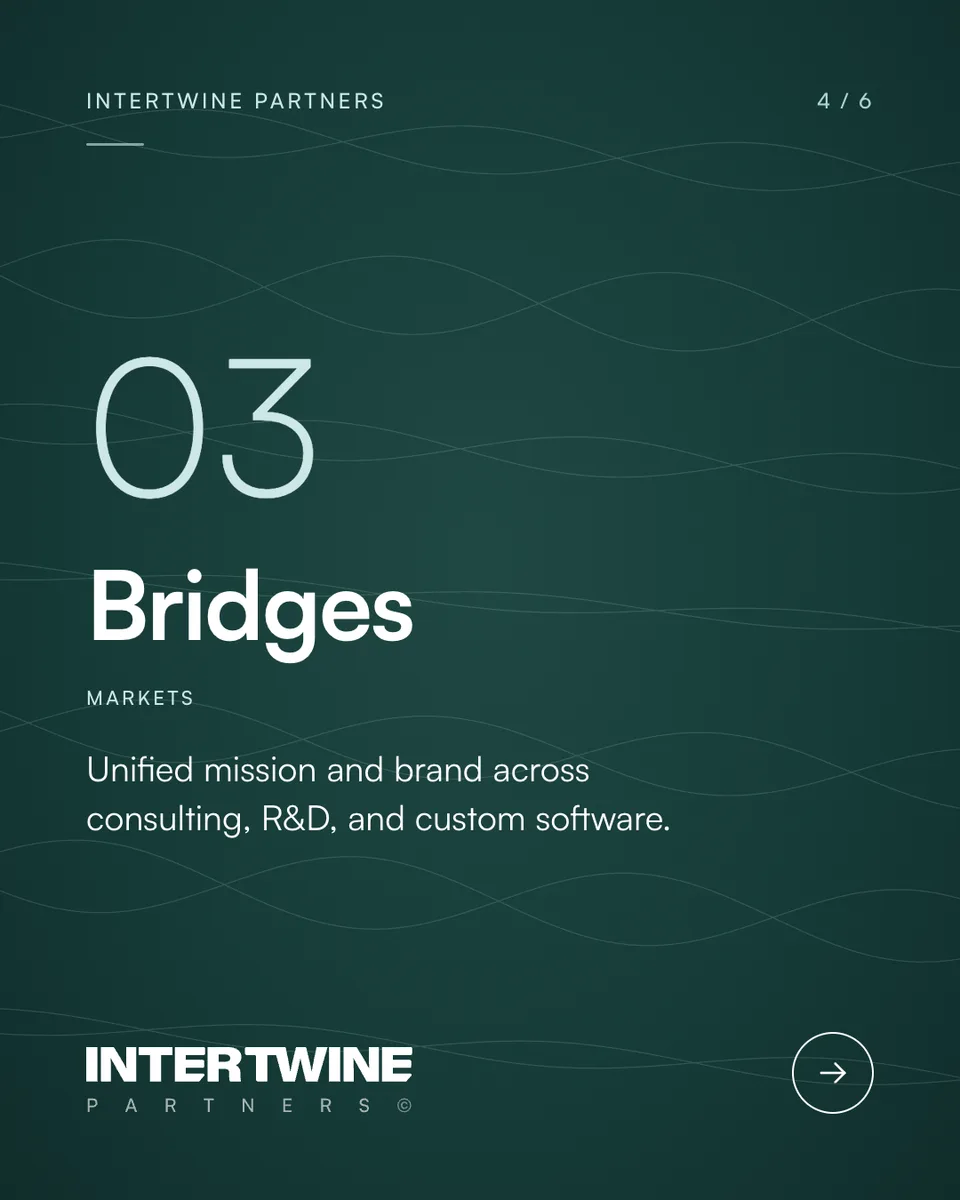
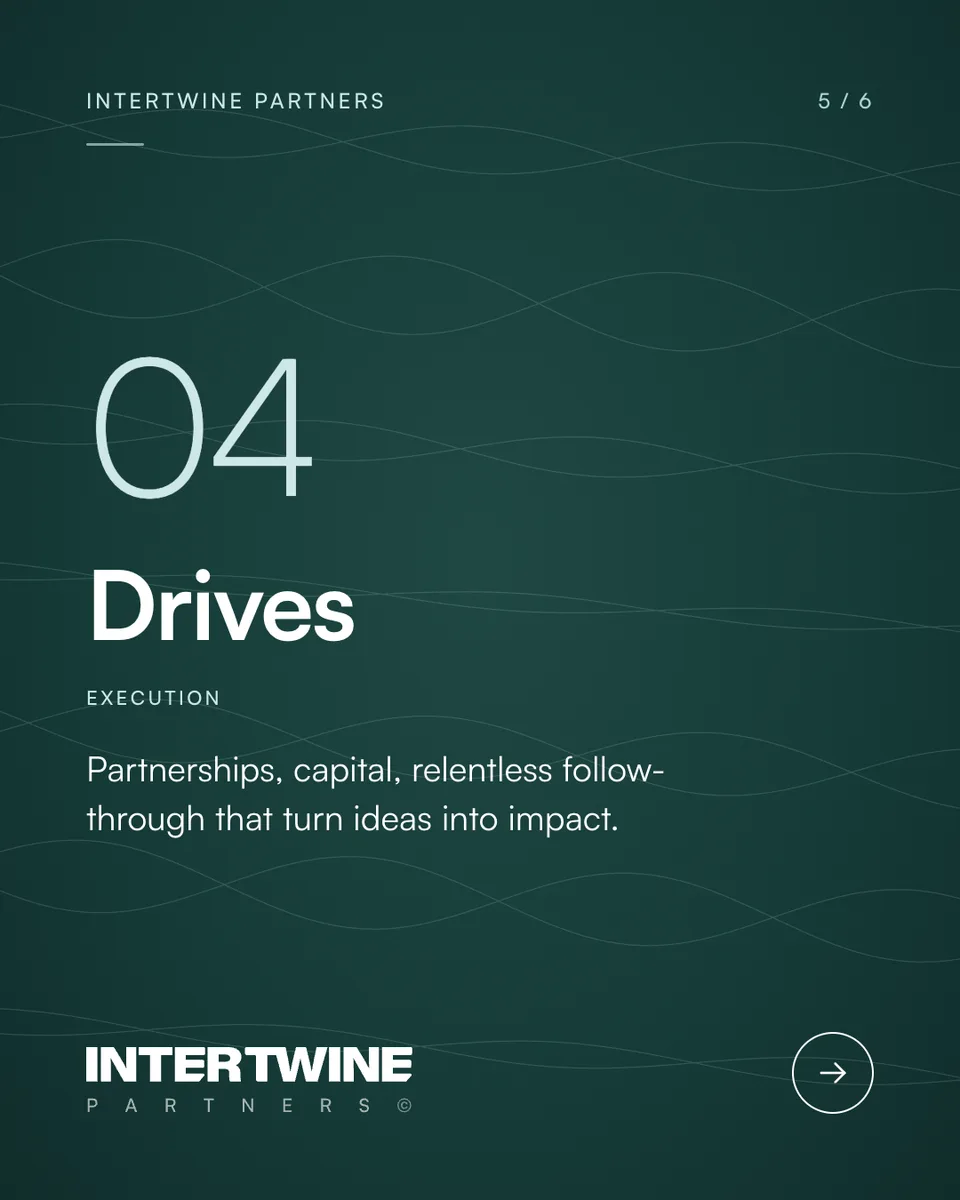
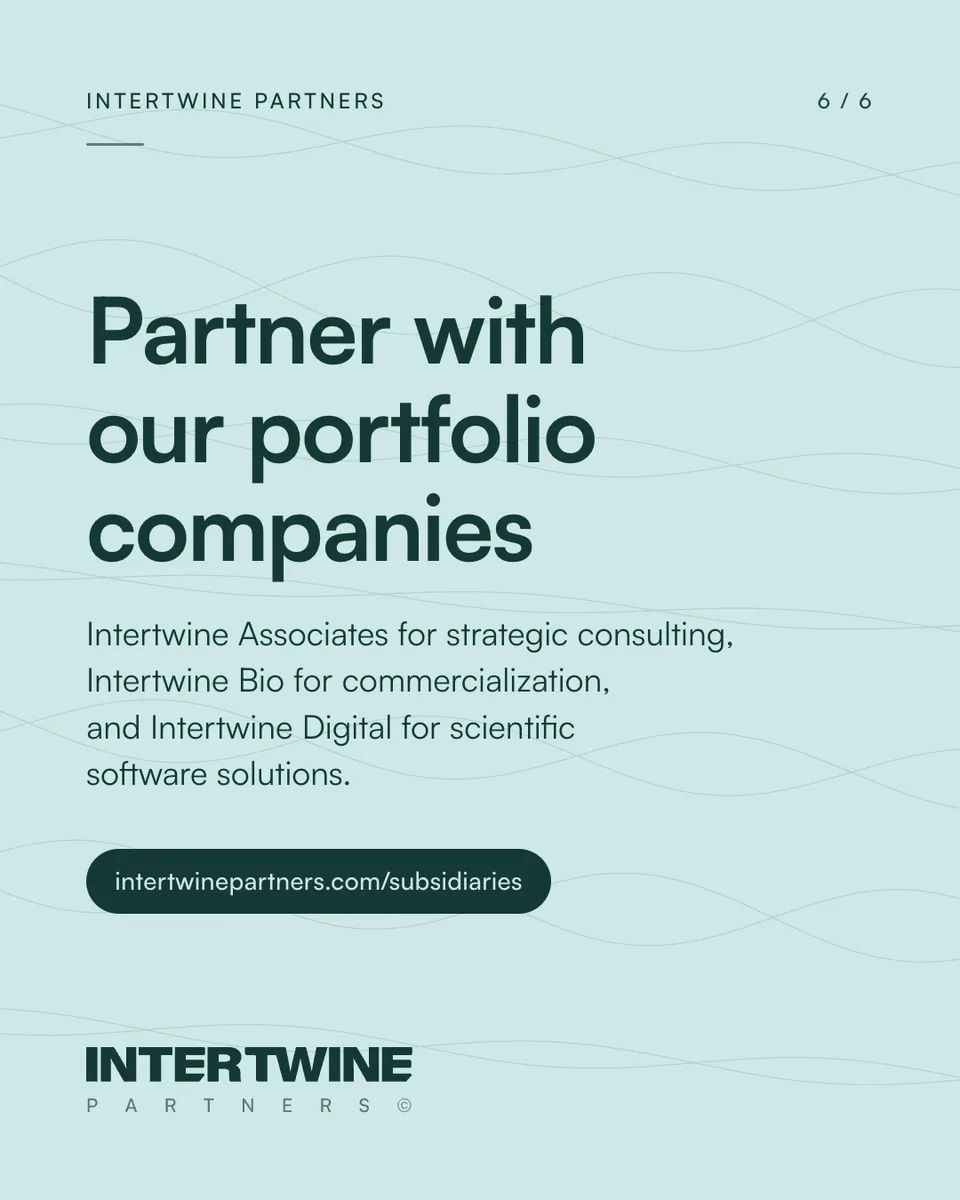
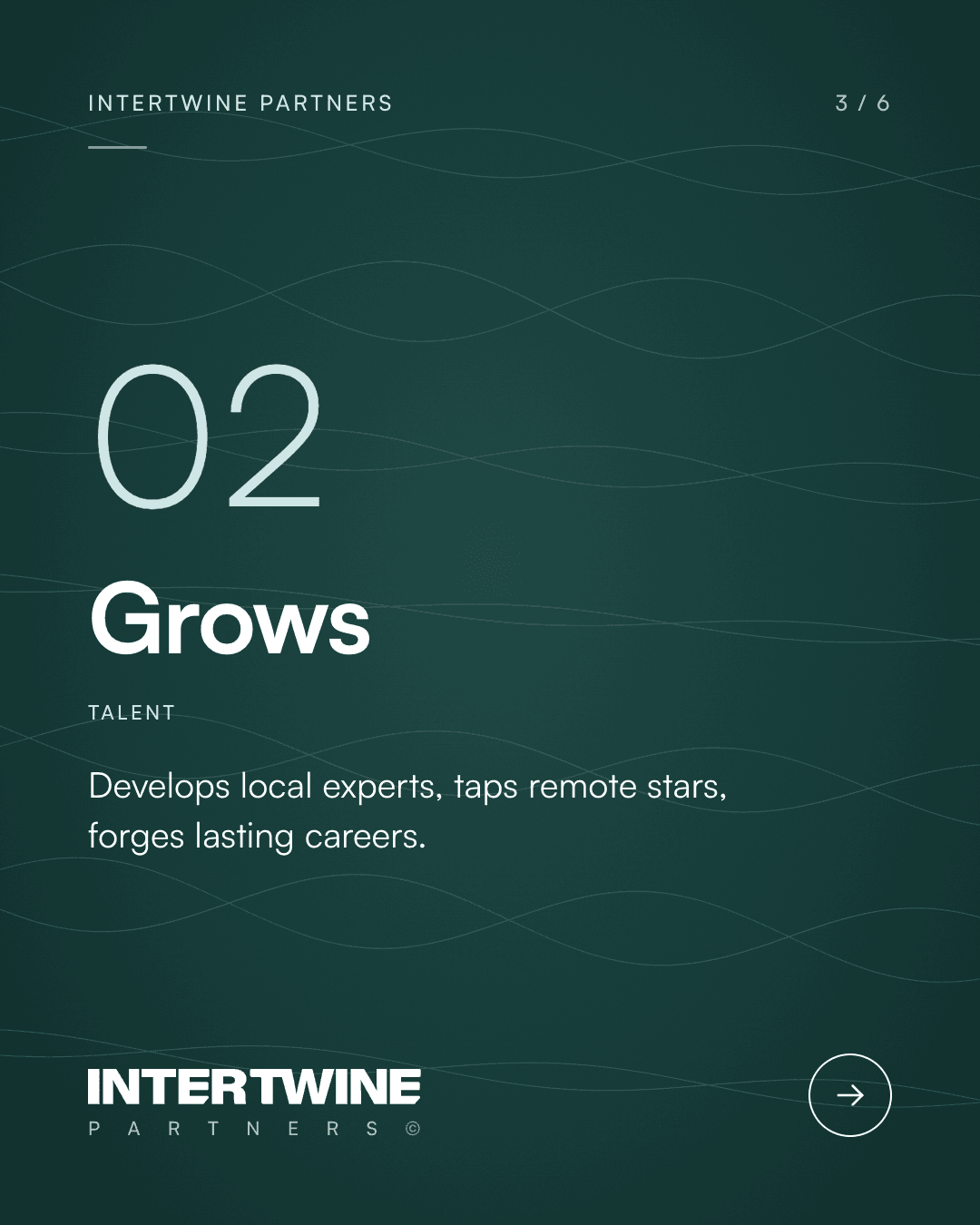
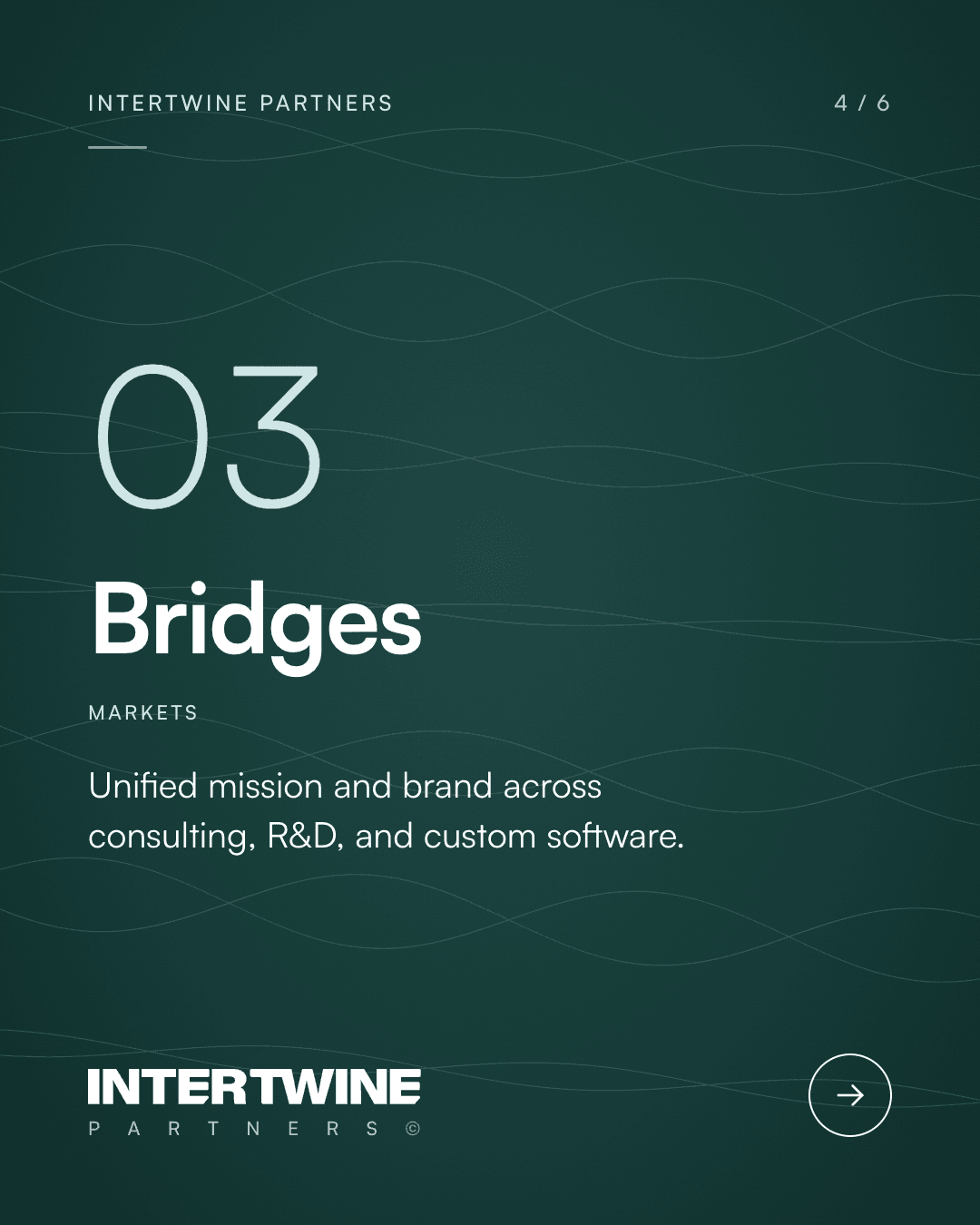
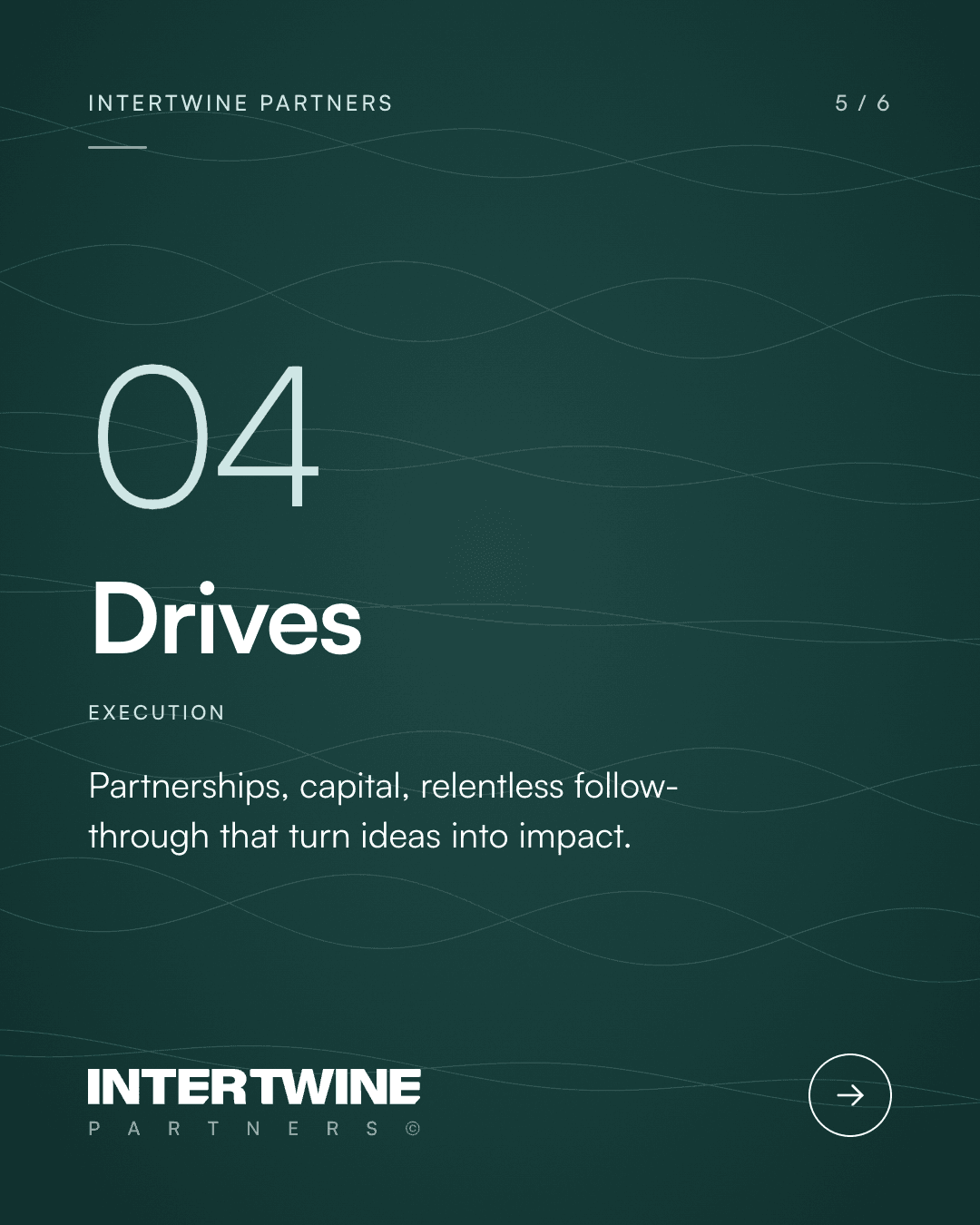
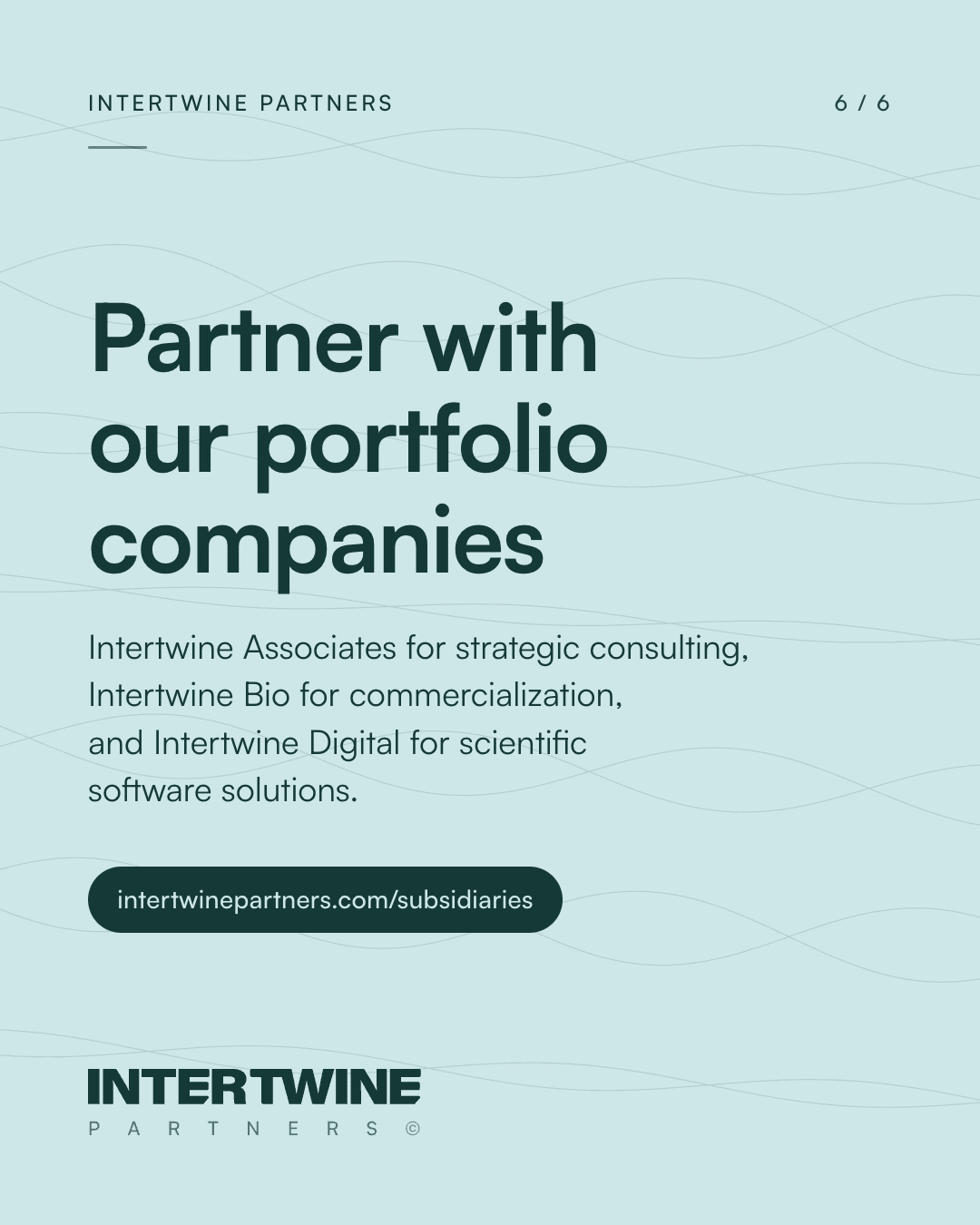
1080 by 1350, for LinkedIn documents and the Instagram feed. A cover, one slide for each numbered point, and a close that asks for the next step. The set below is the parent company's model from Our Story: what Intertwine Partners launches, grows, bridges and drives, in the site's words. Keep the counter at top right and the arrow on every slide but the last.
07 · Careers and insights
Open roles, posts from the blog, and the values.
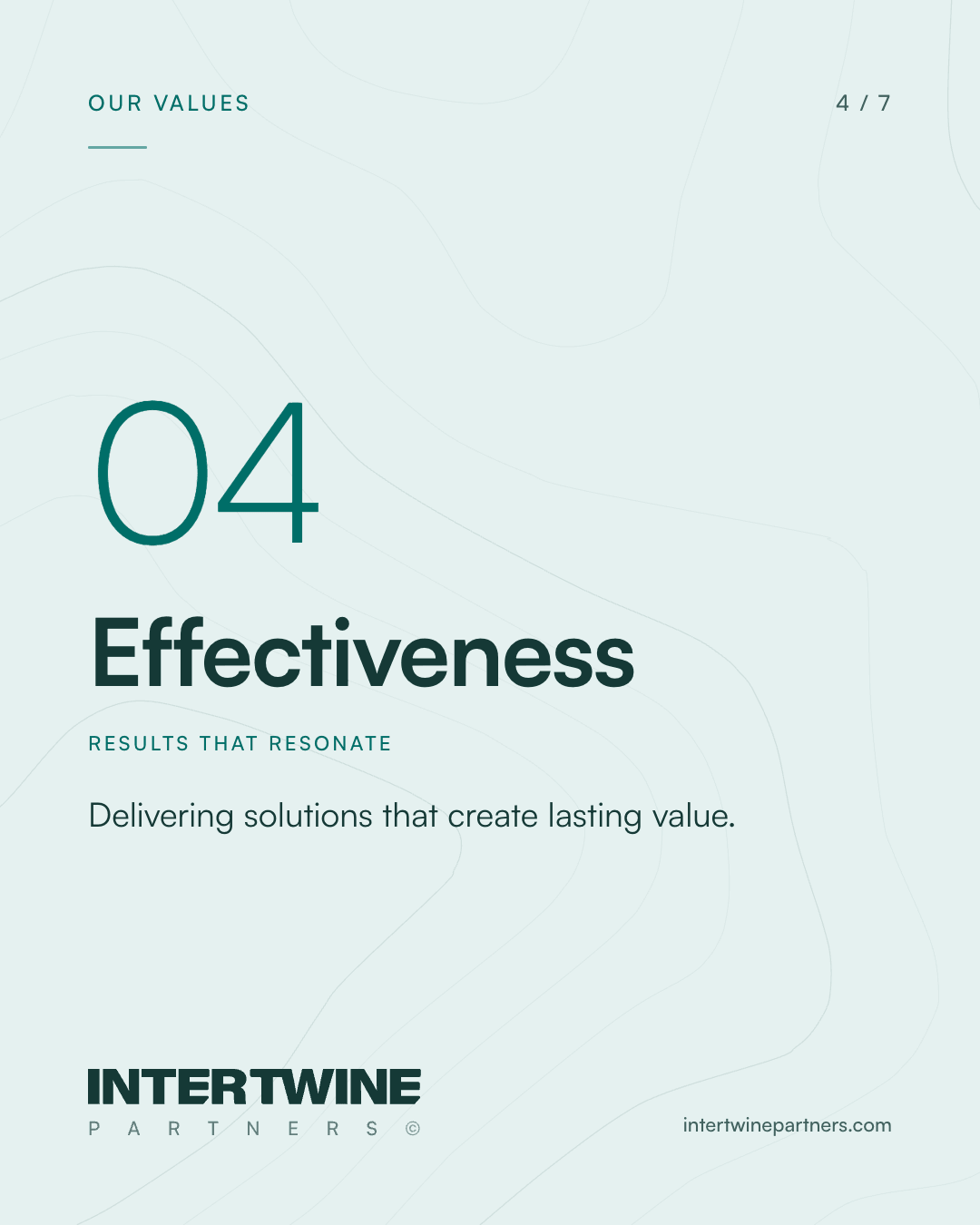
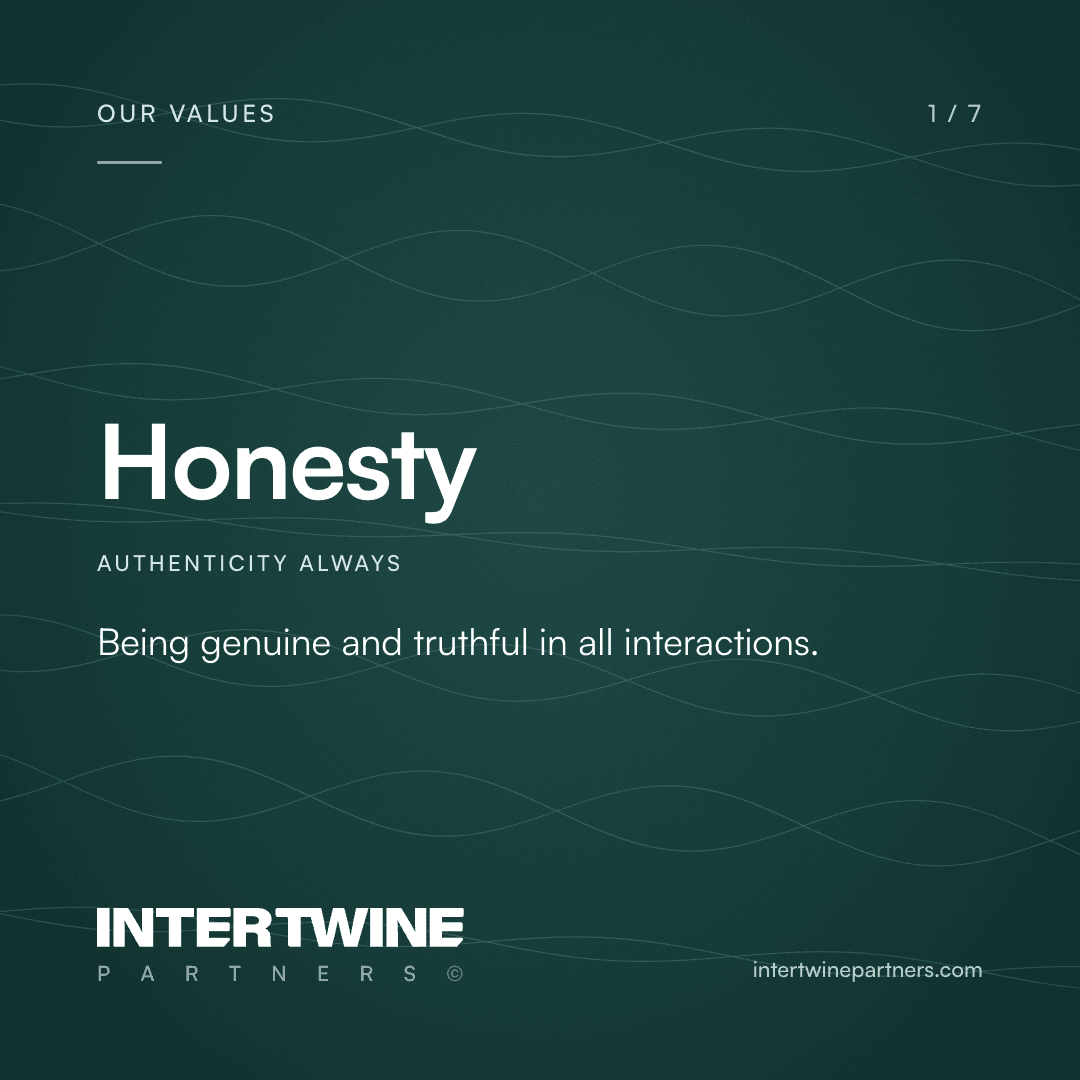
Each in the site's own words. Roles across the subsidiaries are posted on Intertwine Associates' Rippling board; hiring posts never carry a salary, and the pay range stays on the role's page there. The blog cards carry the latest post when the kit is drawn, or the blog's own heading when there is none. Values are the seven from the Values page, one to a card, never a quote and never a client's name.
Hiring

Join our team
1080 × 1350 · 4:5. For the careers page and every round of hiring.
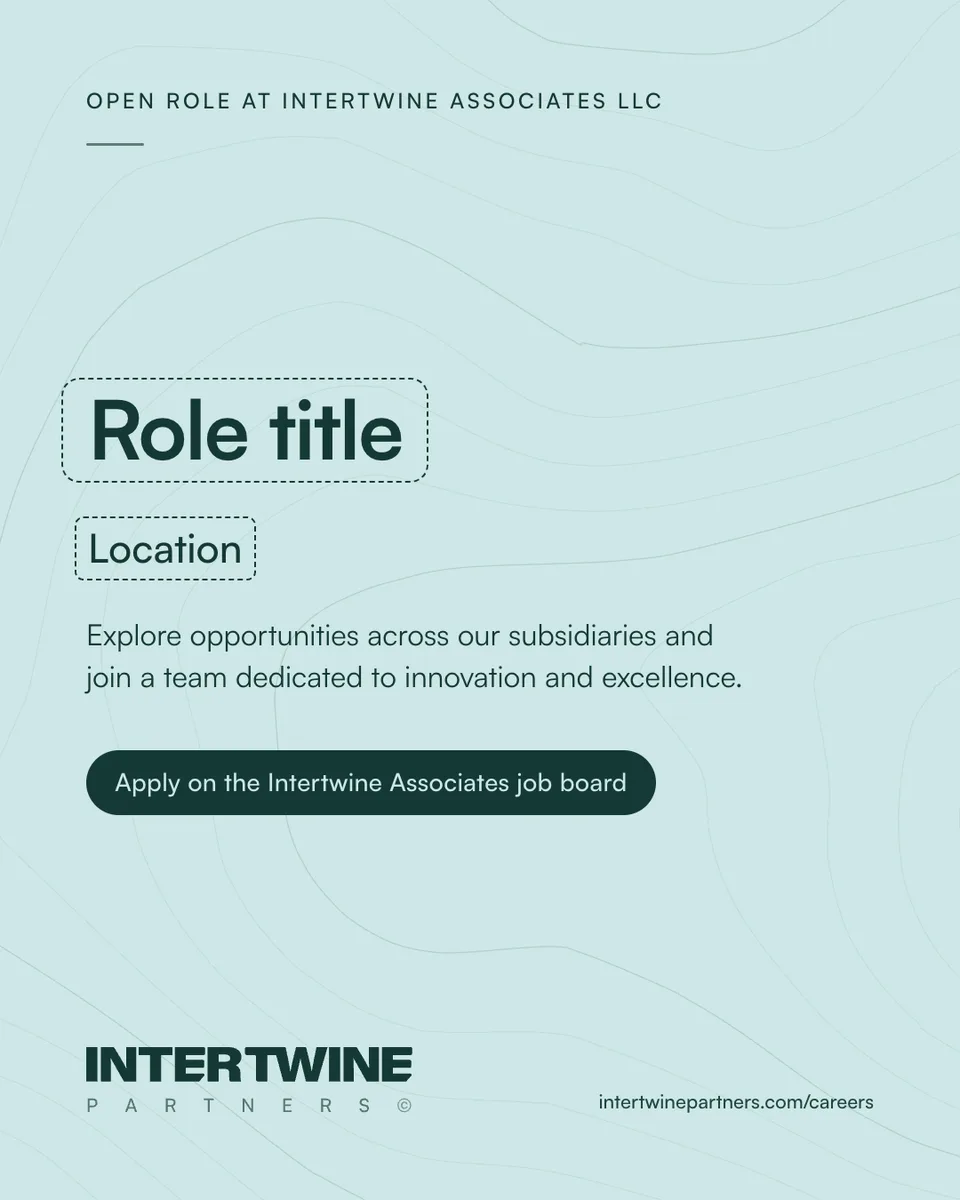
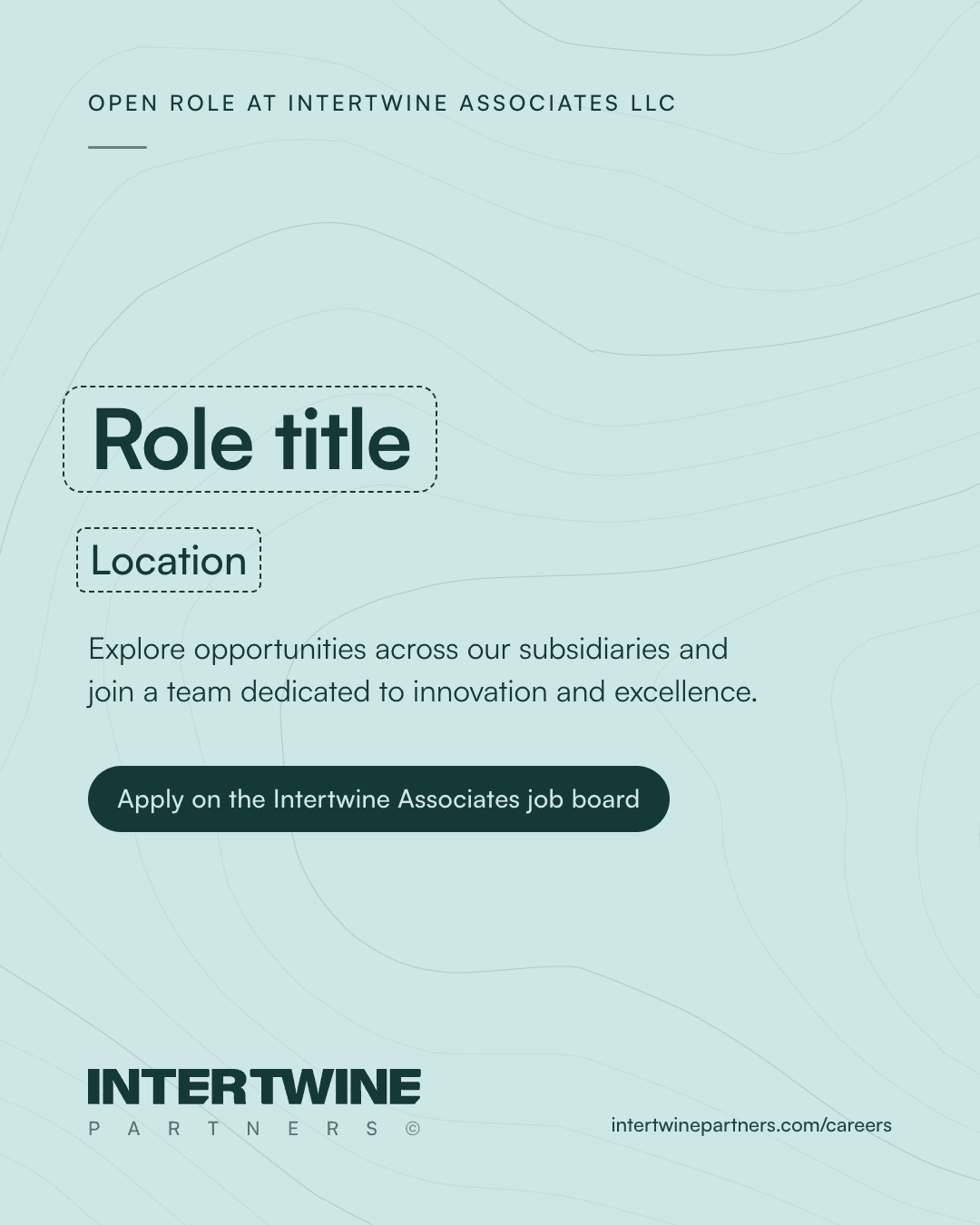
Open role
1080 × 1350 · 4:5 template. Replace the role title and location; roles are posted on Intertwine Associates’ Rippling board, and the pay range stays there.
From the blog
From the blog, landscape
1200 × 627 · 1.91:1, for the link post on LinkedIn and X.

From the blog, portrait
1080 × 1350 · 4:5, for the Instagram feed.
Values
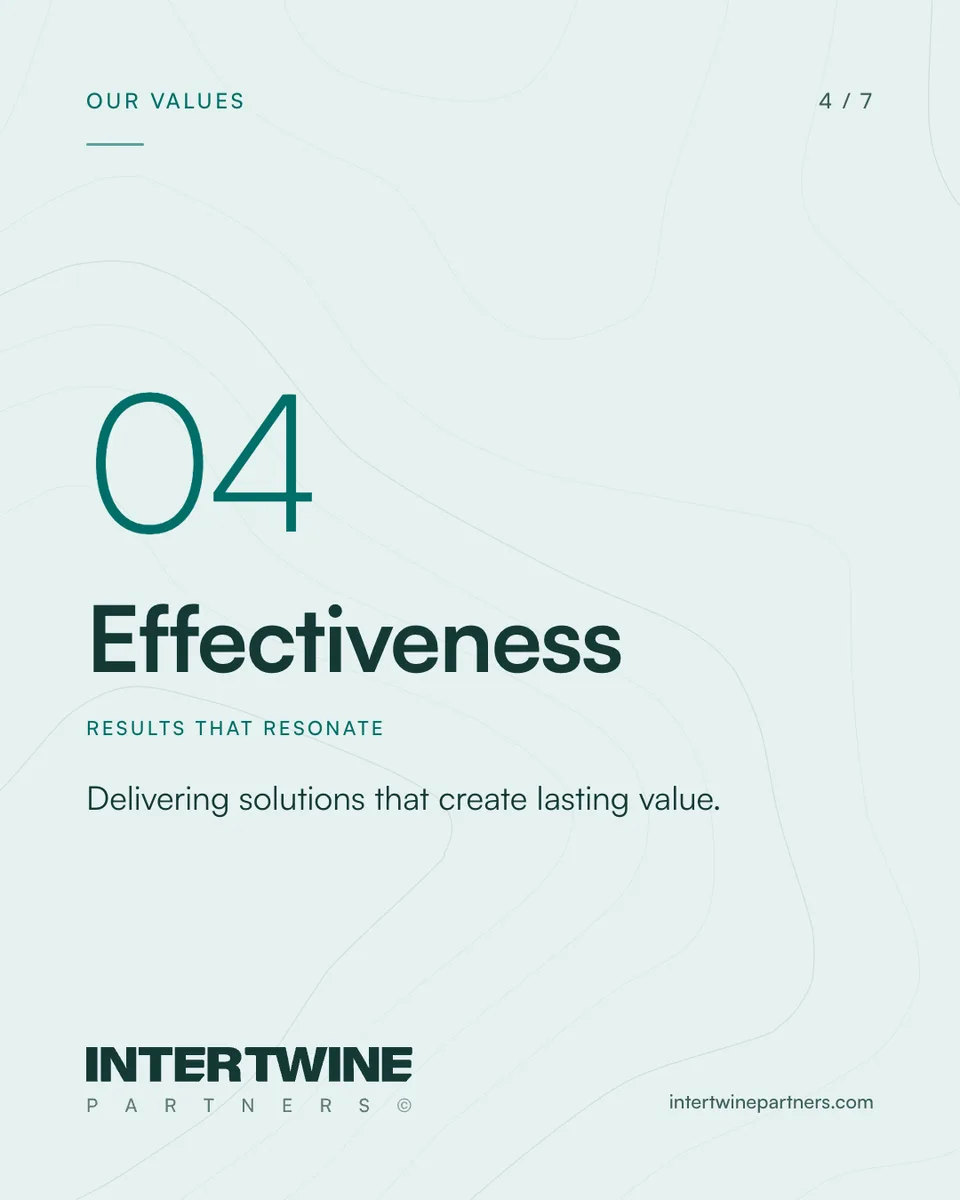
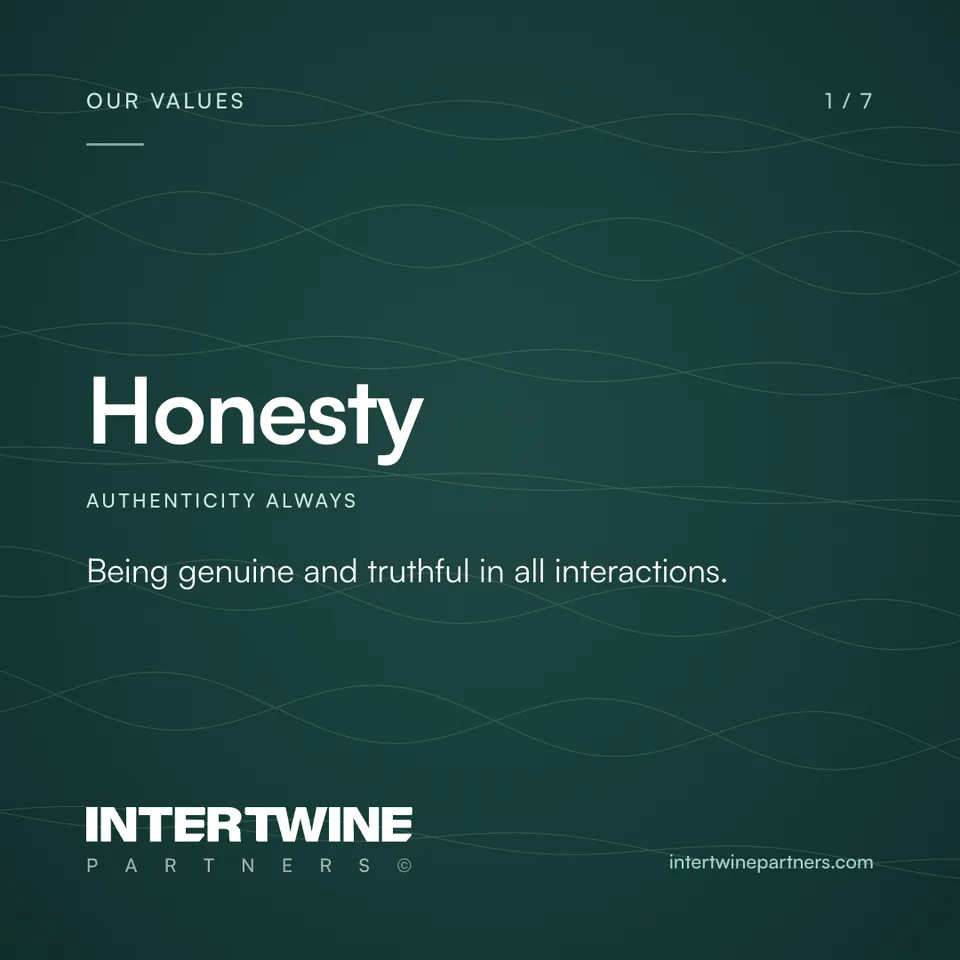
08 · Events and articles
Templates with the fields marked.
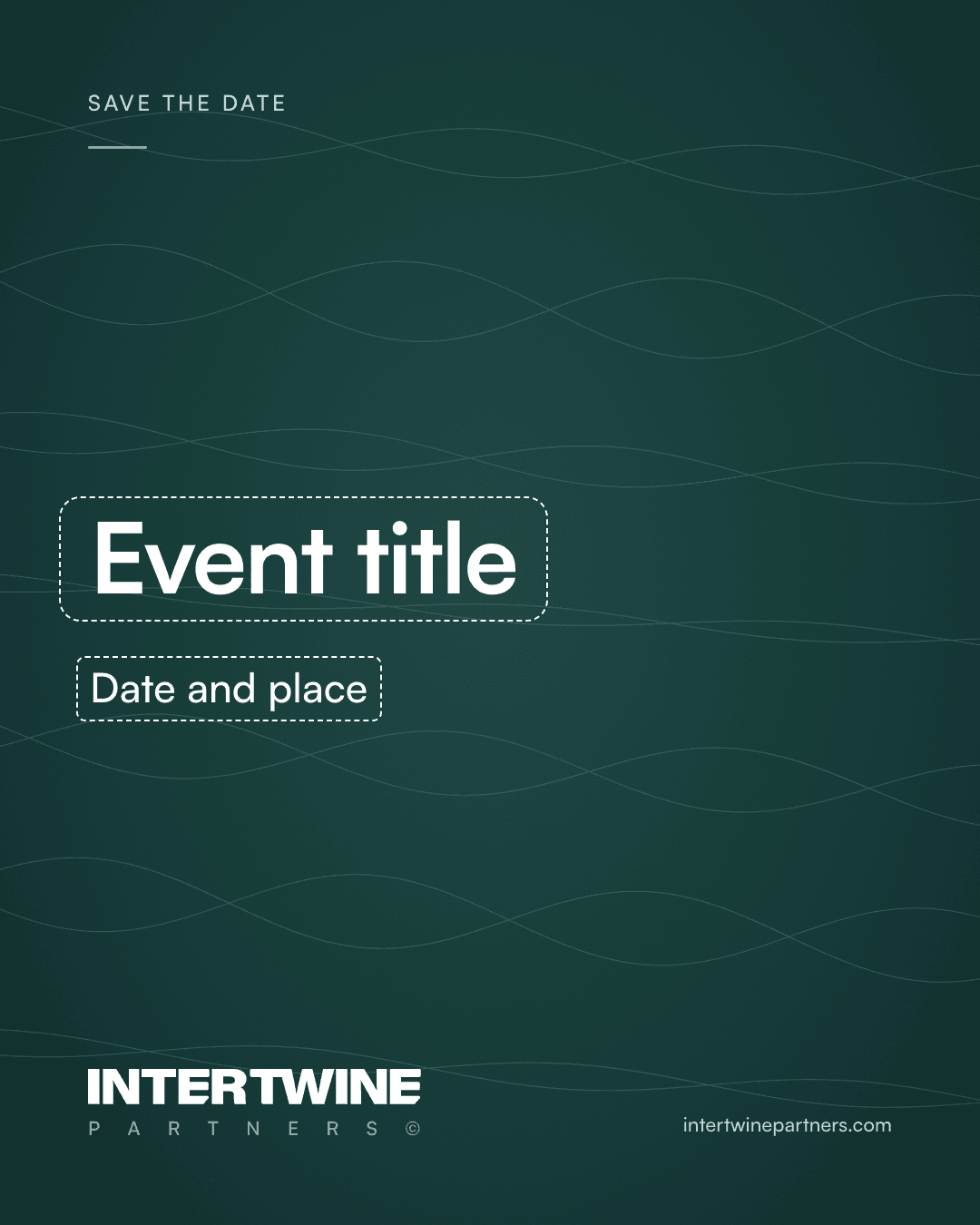
A dashed outline marks every field to replace: the event title, the date and place, the article title. Replace them and remove the outline before posting. LinkedIn prints an event's name and time beneath its cover, so the cover can stay general.
Save the date, portrait
1080 × 1350 · 4:5 template. Replace the marked fields.
Save the date, landscape
1200 × 627 · 1.91:1 template, for LinkedIn and X.
Article and newsletter cover
1920 × 1080 · 1920 by 1080, for LinkedIn articles and newsletter editions.
LinkedIn event cover
1776 × 444 · 1776 by 444 (4:1). LinkedIn prints the event’s name beneath it.
09 · Stories and highlights
Tall, with the edges left alone.
Stories keep words out of the top 250 and bottom 340 pixels, where the app puts its own controls. Highlight covers are one icon from the company's set at the light weight: Mint on Evergreen to match the profile image, or Evergreen on Mint. Use one set throughout; Instagram crops them to the middle circle.






10 · Email
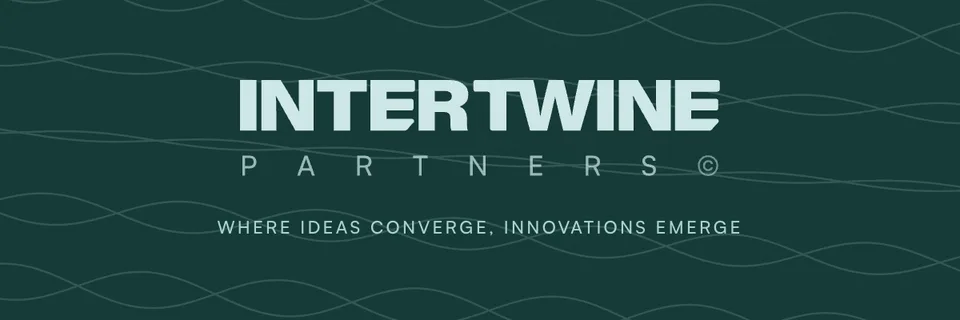
A banner under the signature, a header over the news.
Mail clients show images at their set size: place the banner at 600 by 120 and the header at 600 by 200. The files are drawn at twice that so they stay sharp. Link the banner to the site and give it the alt text Intertwine Partners.


11 · Video calls
A quiet wall behind you.
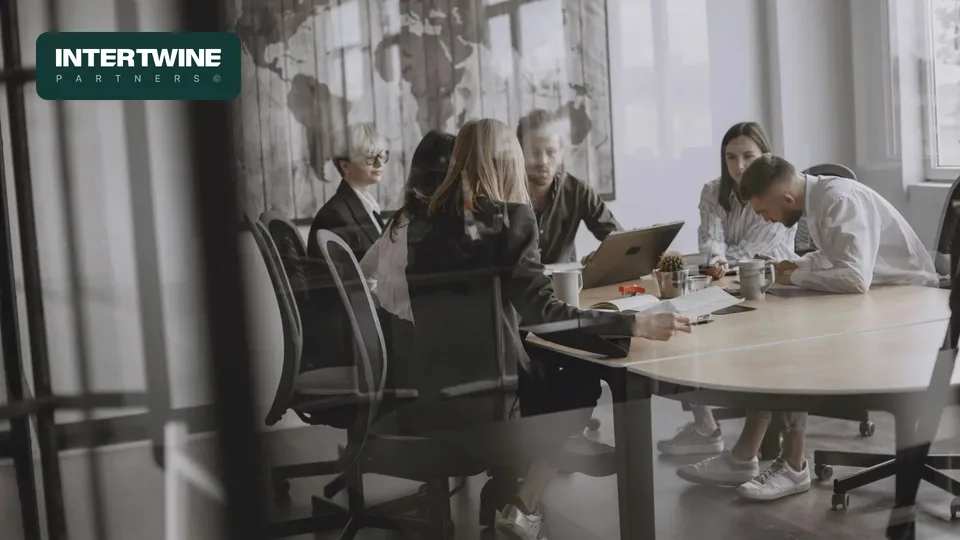
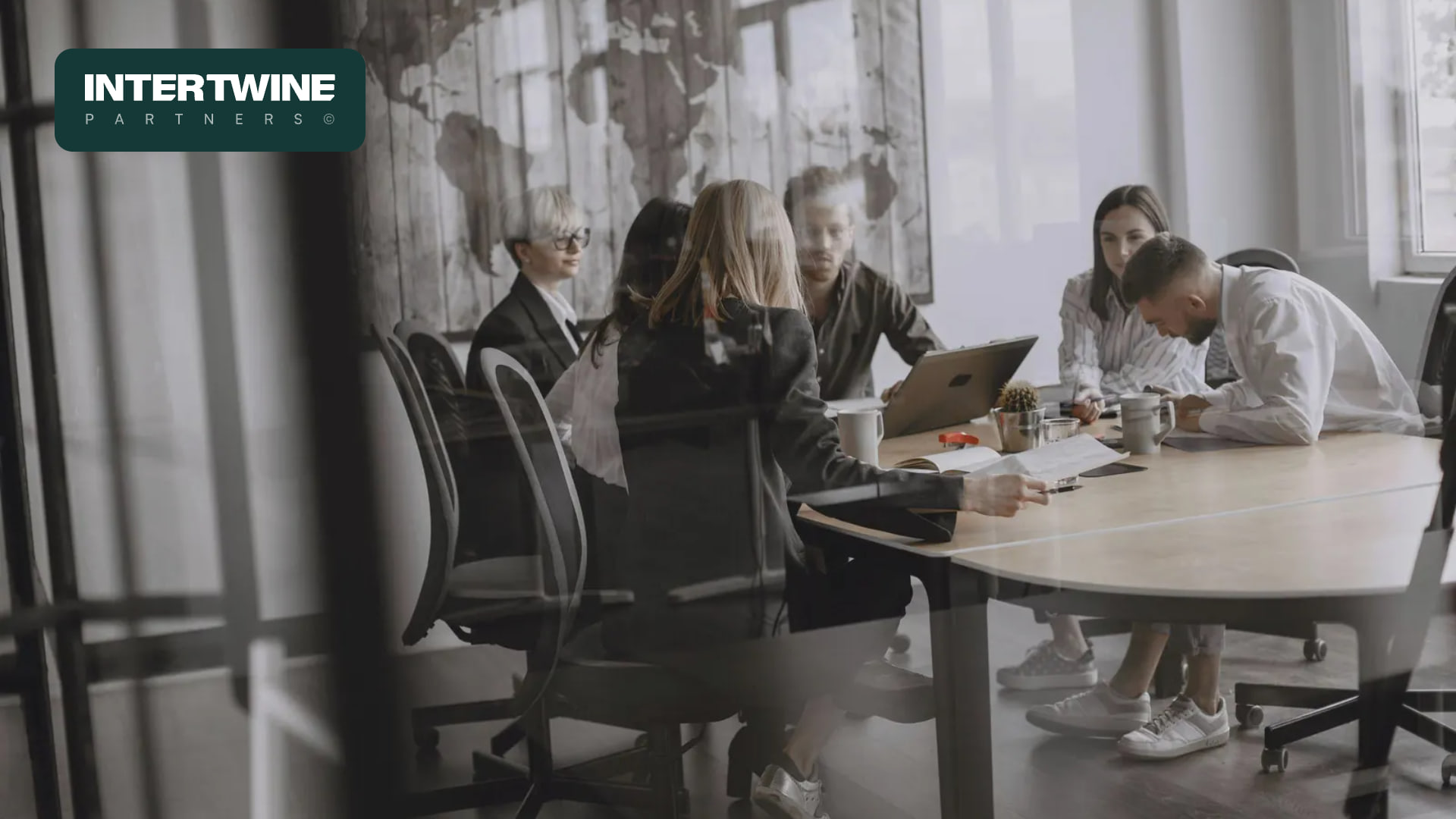
For Teams, Zoom and Meet. The lockup sits top left, clear of the head and shoulders; on the photograph it sits on a solid tile, never on the picture itself. Some apps mirror your own view; everyone else sees it the right way round.
12 · October 2026
The new website and brand kit.
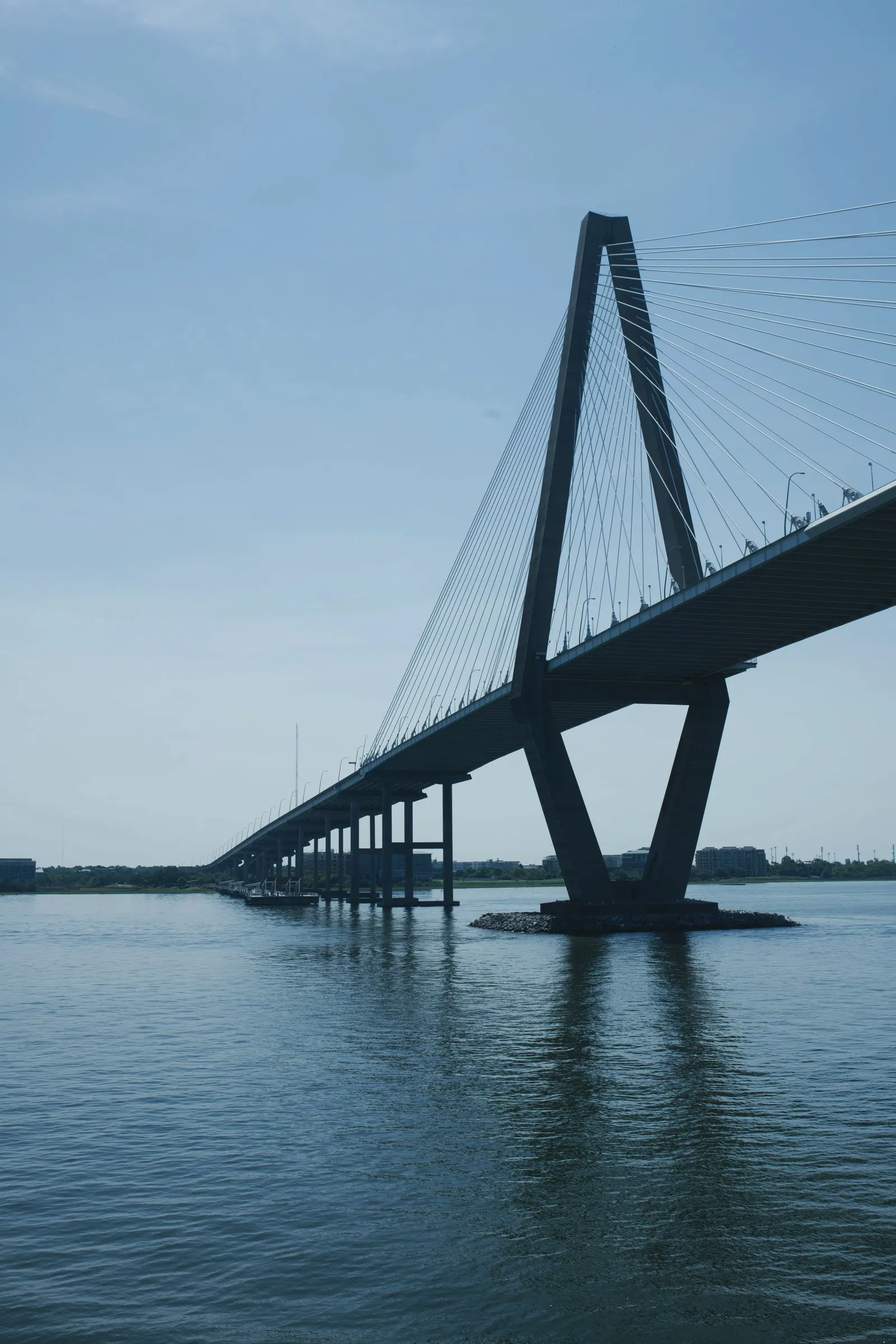
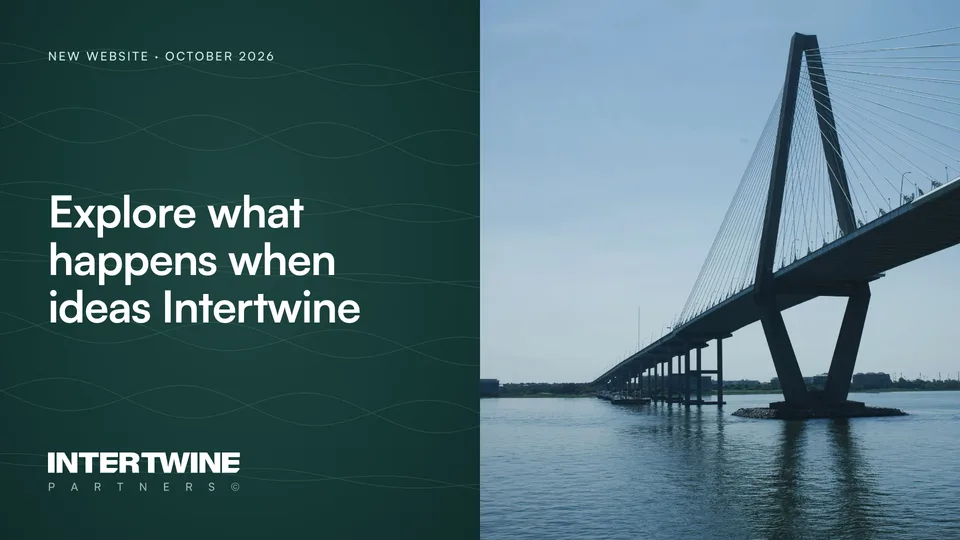
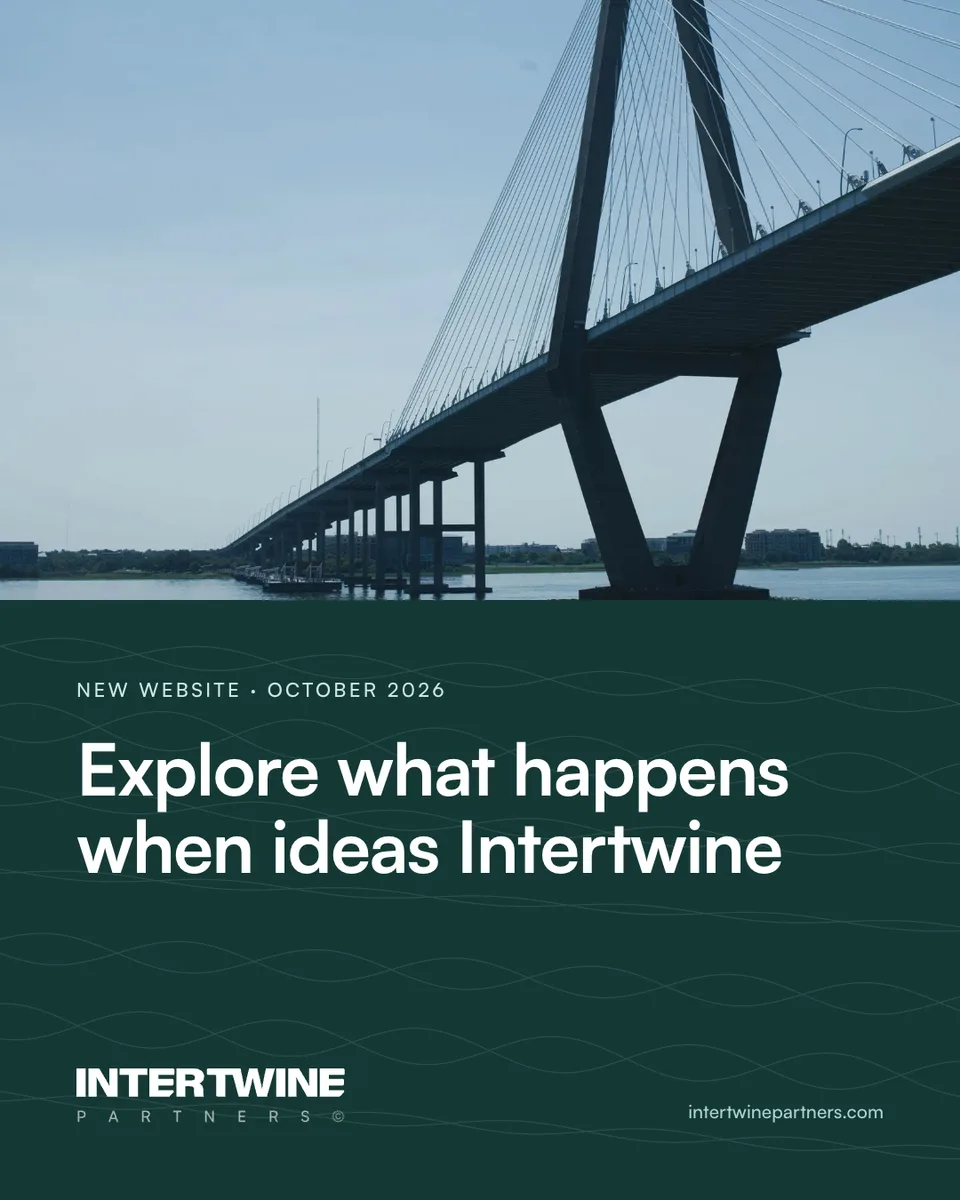
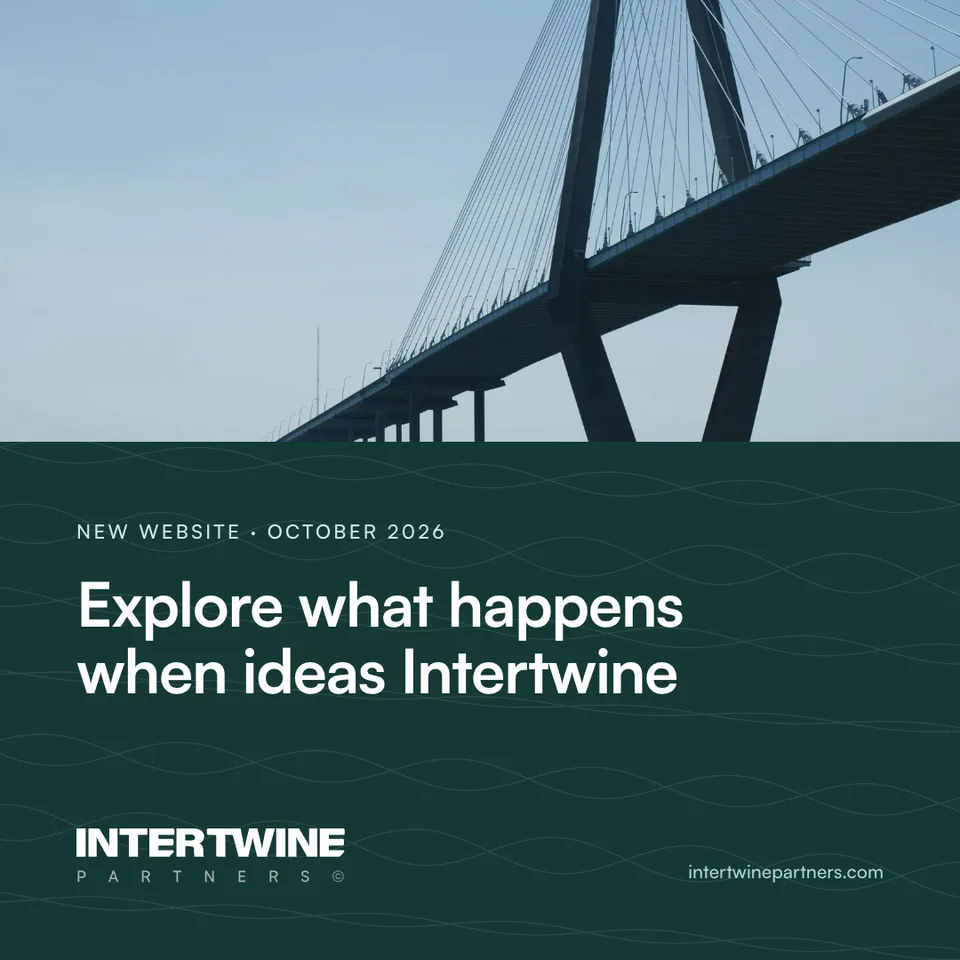
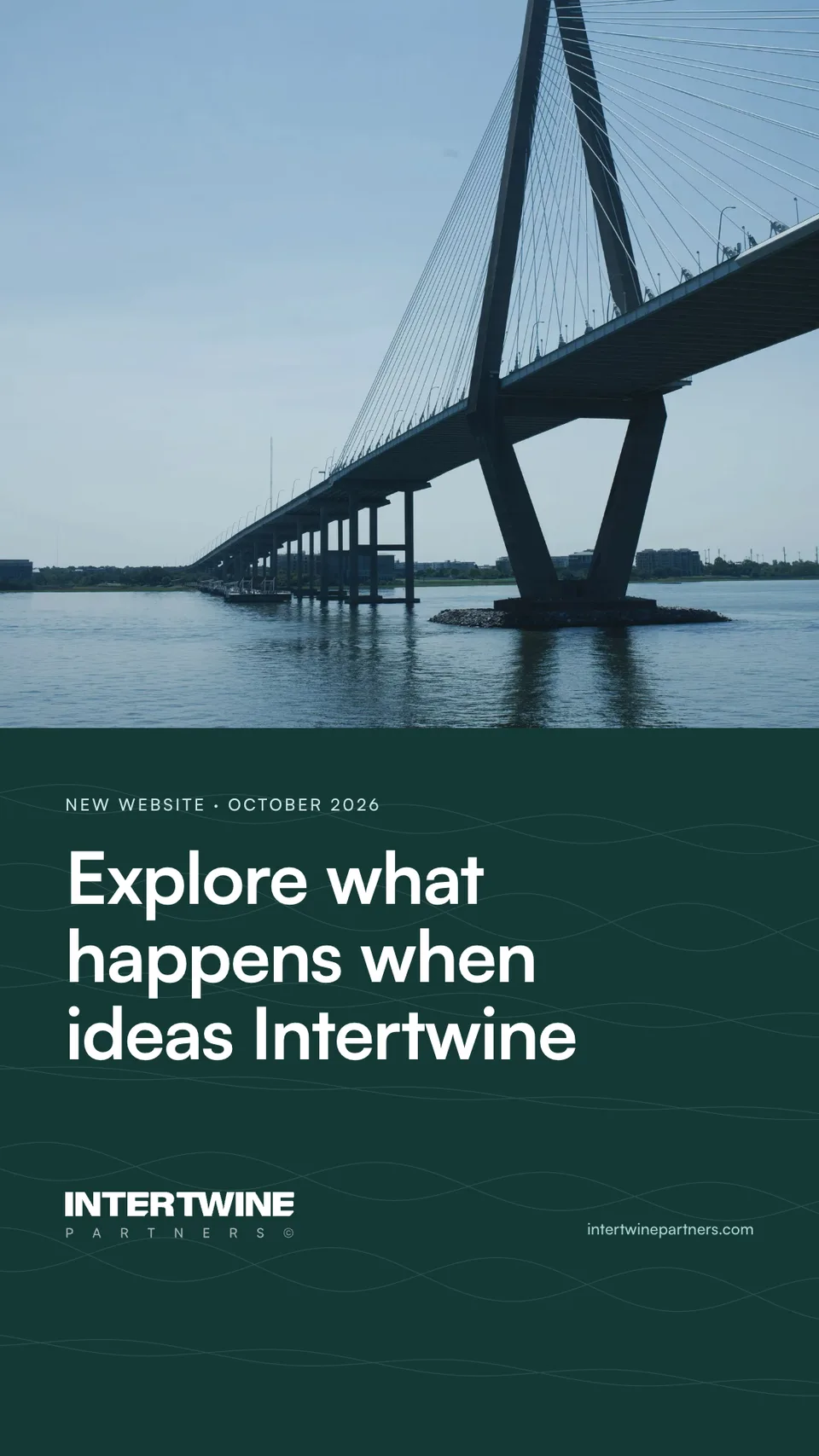
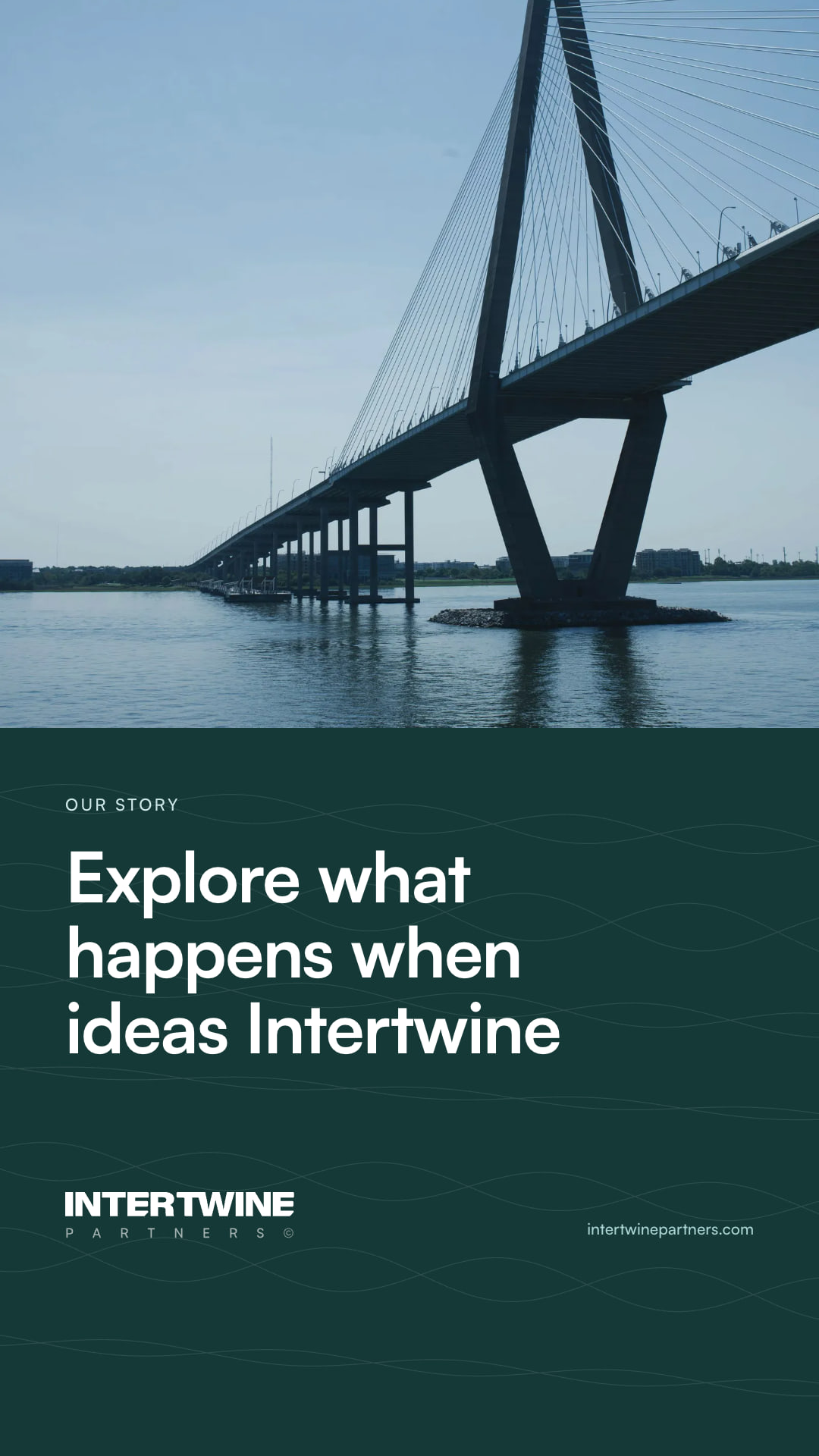
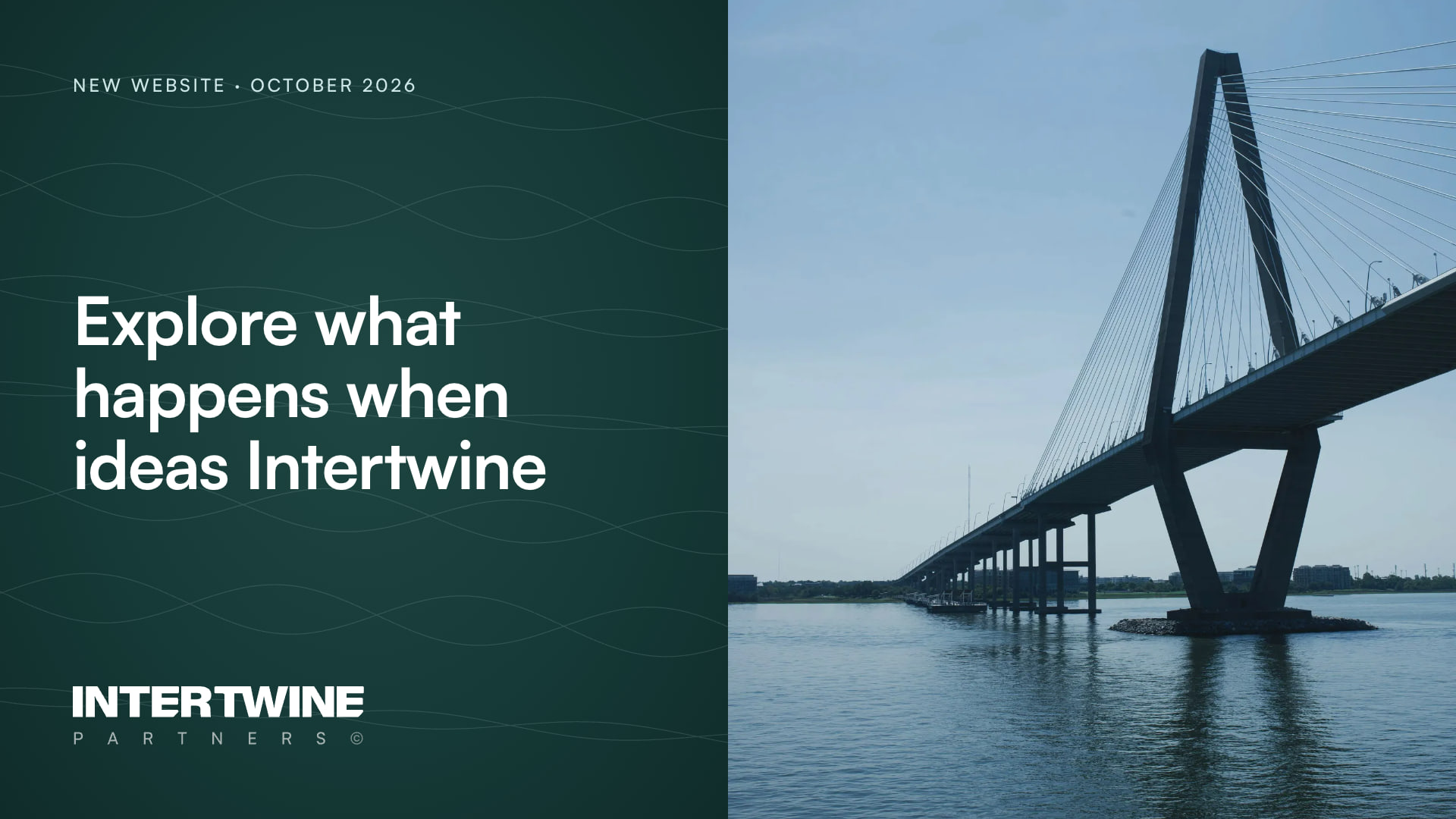
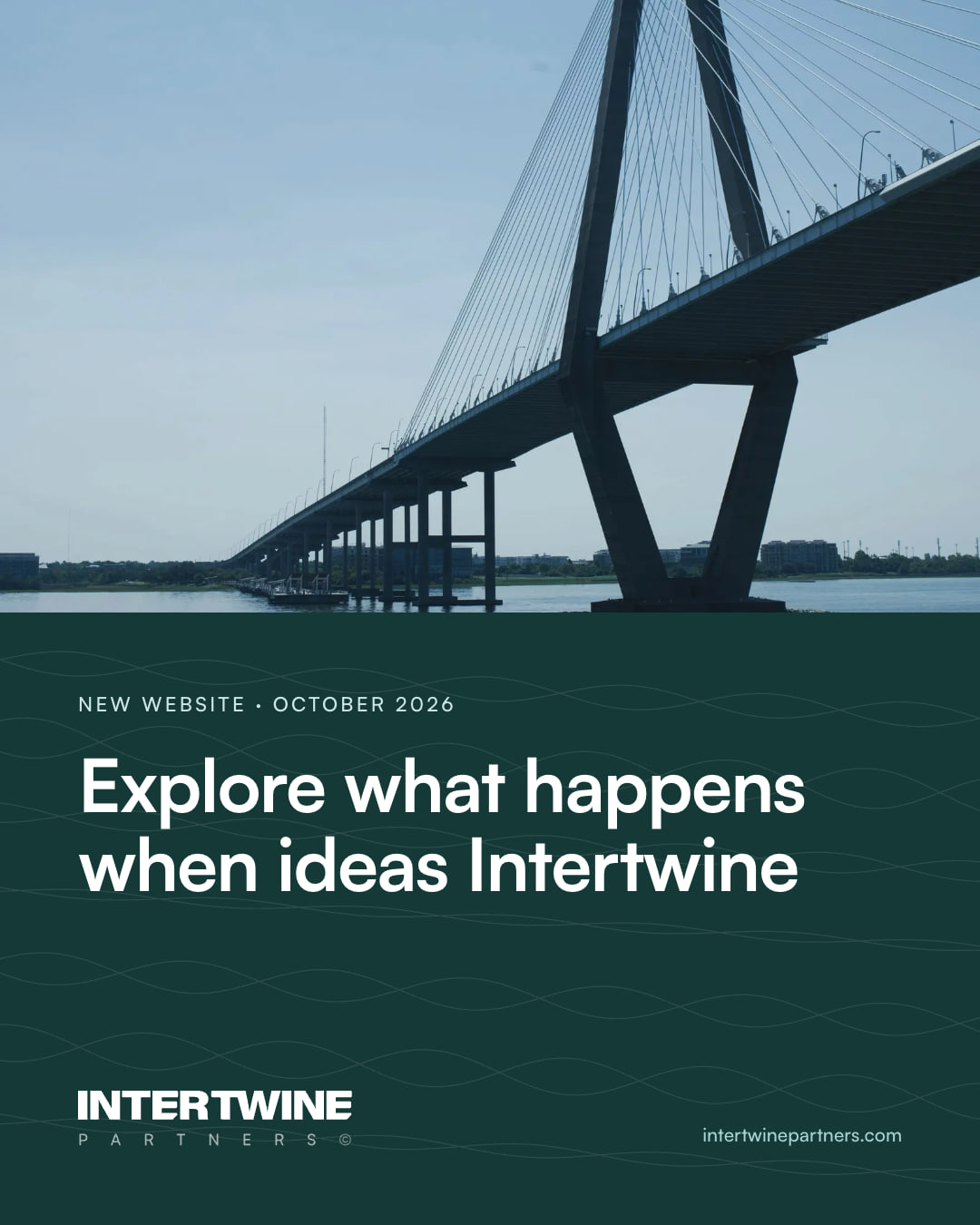
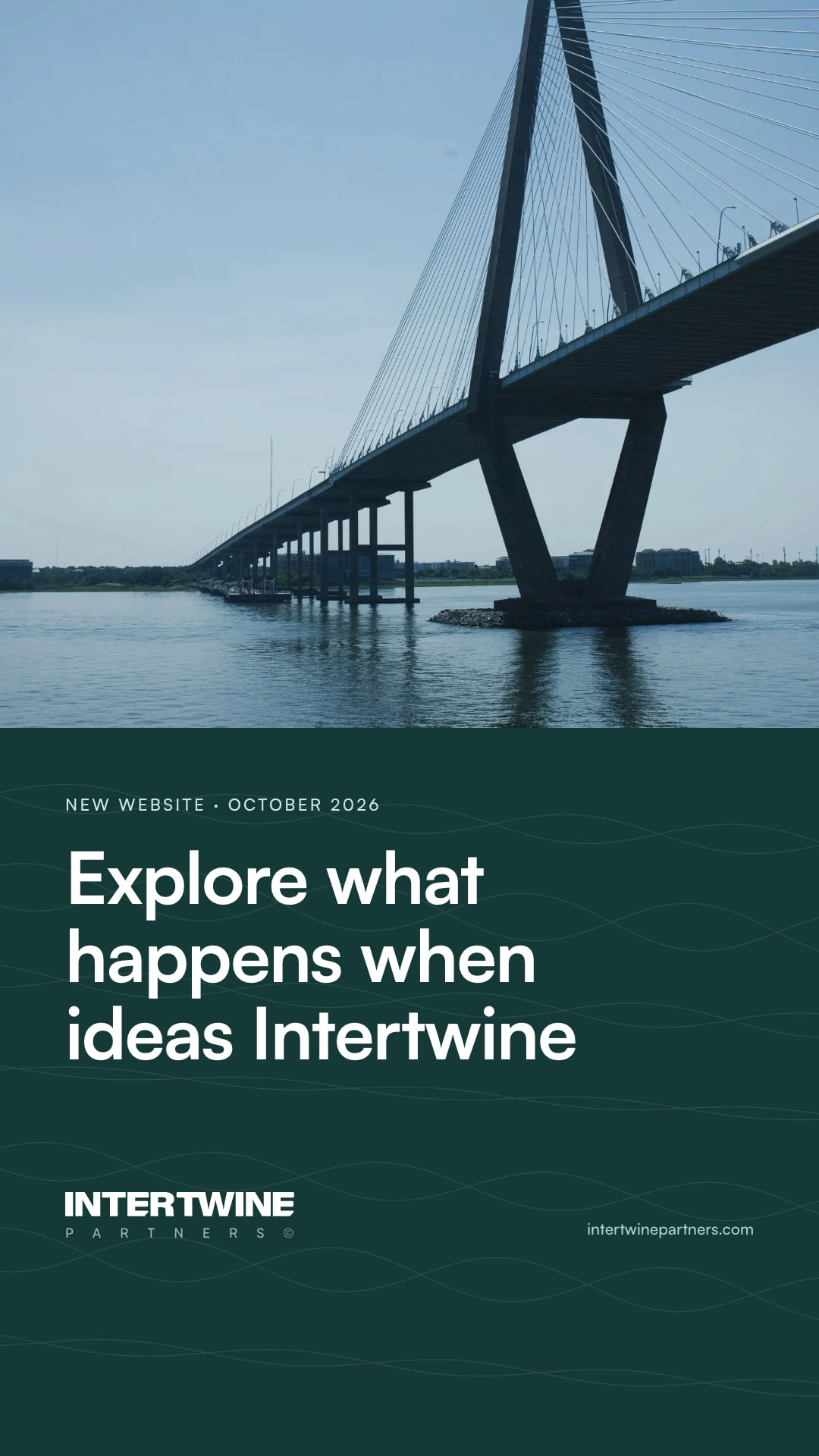
The set for the launch post, with the Ravenel Bridge from the photograph library. Post the site film with the thumbnail on LinkedIn; use the portrait and the brand kit card as a pair on Instagram, and the square on X.
Video thumbnail
1920 × 1080 · The cover frame for the site film on LinkedIn and YouTube.
















13 · Rules
How the accounts read.
Voice
- The site's voice: plain, sentence case, American spelling.
- No emoji, no exclamation marks, no buzzwords.
- Three hashtags at most, at the end, with a capital for each word: #OperationalExcellence.
- Say what happened and what it means for investors, partners and clients. Link to the page that says more.
Images
- Start from these templates. Photographs come from the library, graded.
- Words on a solid panel, never laid over a photograph.
- One ground to a post or a carousel; Evergreen for covers unless a campaign says otherwise.
- Write alt text for every image; LinkedIn, X and Instagram all take it.
- No client names, logos or screens without written permission.
Accounts
- Same profile image, words and link on every network.
- Two named owners for each account, with two-factor sign-in.
- Update every cover in the same week when the brand changes.
- The Partners team may use the LinkedIn banner and the email banner on their own profiles and mail. Each subsidiary keeps its own kit.